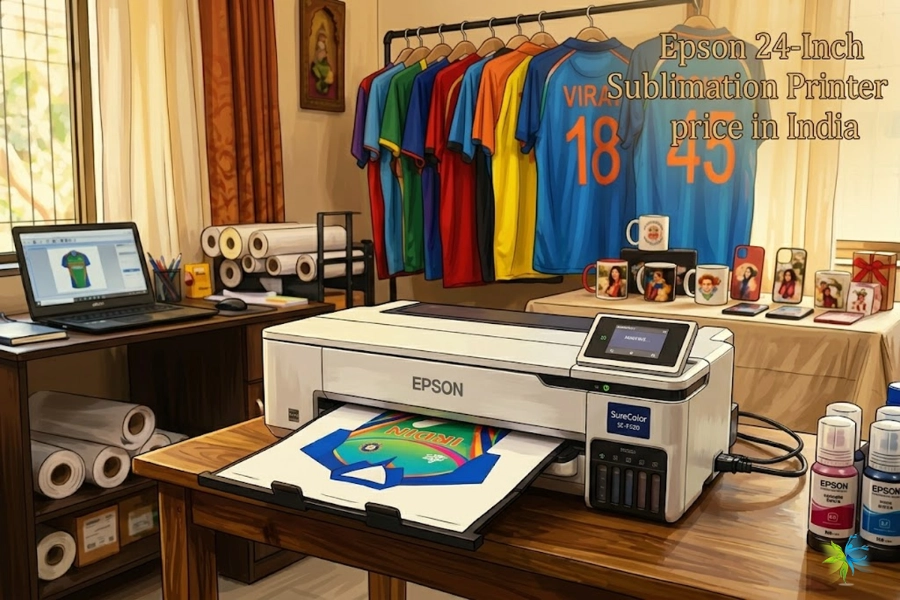
Best Low Cost Sublimation Printers
Professional Quality at Affordable Prices - Complete Guide & Reviews
Finding the perfect low cost sublimation printer doesn't mean compromising on quality. Whether you're starting a custom printing business, expanding your product line, or looking for an affordable entry into sublimation printing, this comprehensive guide will help you make the right choice. At WinnerJet, we've tested dozens of budget-friendly sublimation printers with our premium inks to bring you honest, expert recommendations.
Market Overview
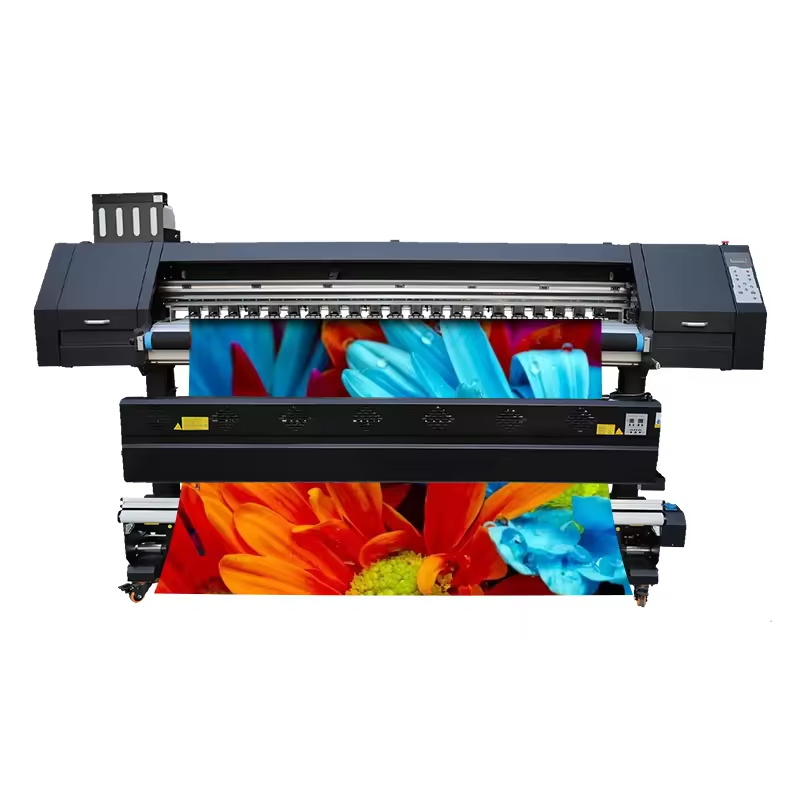
Top 6 Low Cost Sublimation Printers
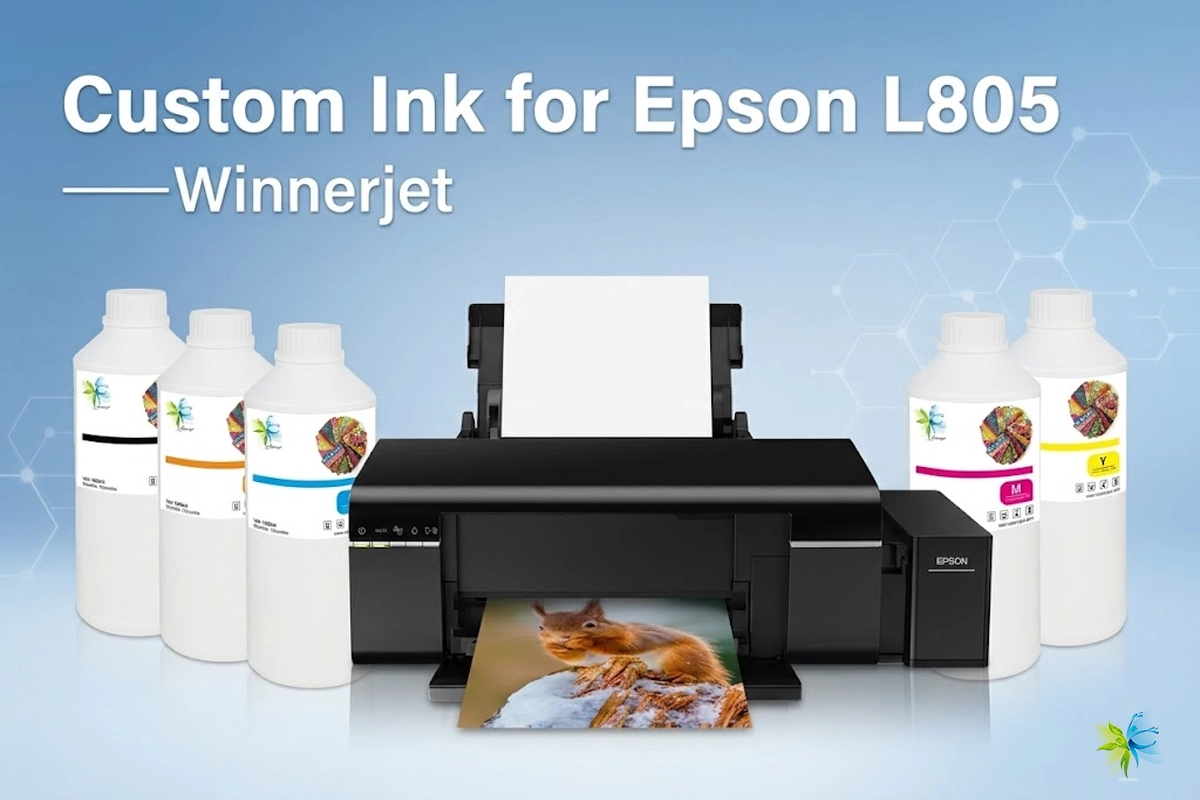
Epson EcoTank ET-2720
Best for Beginners: Perfect entry-level choice with excellent WinnerJet ink compatibility. This compact printer offers exceptional value for small businesses and hobbyists starting their sublimation journey.
- 4-color ink system compatible with WinnerJet sublimation inks
- Wireless connectivity and mobile printing
- Low running costs with refillable tanks
- Print speeds up to 10 pages per minute
- Compact design perfect for home offices
Epson WorkForce WF-7720
Best for Wide Format: Handles up to 13"x19" prints with professional results. Ideal for businesses needing larger sublimation transfers with consistent quality using WinnerJet premium inks.
- Wide format printing up to 13"x19"
- Dual paper trays for versatility
- Fast print speeds - 18 pages per minute
- Automatic duplex printing
- Excellent color accuracy with WinnerJet inks
Canon PIXMA G6020
Best Value Overall: Outstanding balance of features, quality, and price. This MegaTank printer delivers professional results with minimal operating costs when paired with WinnerJet sublimation inks.
- High-capacity ink tanks reduce refill frequency
- Borderless printing up to 13"x19"
- Wi-Fi and Ethernet connectivity
- Automatic document feeder
- Superior color reproduction
Epson Expression Photo HD XP-15000
Best for Photo Quality: Six-color ink system produces stunning photo-quality sublimation transfers. Perfect for photographers and artists requiring exceptional detail and color accuracy.
- 6-color Claria Photo HD ink system
- Wireless and Ethernet connectivity
- Borderless printing up to 13"x19"
- Advanced media handling
- Professional color management
Brother MFC-J995DW
Most Affordable: Budget-friendly option without sacrificing essential features. Great starter printer for those testing the sublimation market with minimal initial investment.
- All-in-one functionality (print, scan, copy, fax)
- Wireless and mobile printing
- Automatic duplex printing
- Compact footprint
- Low-cost ink replacement
HP OfficeJet Pro 9015e
Best for Business: Reliable workhorse with fast print speeds and professional features. Excellent choice for growing businesses needing consistent, high-volume sublimation printing.
- Fast printing - up to 22 pages per minute
- Automatic duplex printing and scanning
- Smart security features
- HP Smart app integration
- Energy efficient operation
Detailed Comparison Table
| Model | Price Range | Max Print Size | Print Speed | Ink System | Best For |
|---|---|---|---|---|---|
| Epson EcoTank ET-2720 | $199-$249 | 8.5" x 11" | 10 ppm | 4-color tank | Beginners |
| Epson WorkForce WF-7720 | $299-$399 | 13" x 19" | 18 ppm | 4-color cartridge | Wide format |
| Canon PIXMA G6020 | $249-$329 | 13" x 19" | 15 ppm | 4-color tank | Overall value |
| Epson XP-15000 | $399-$499 | 13" x 19" | 12 ppm | 6-color cartridge | Photo quality |
| Brother MFC-J995DW | $179-$229 | 8.5" x 11" | 12 ppm | 4-color cartridge | Budget option |
| HP OfficeJet Pro 9015e | $229-$299 | 8.5" x 11" | 22 ppm | 4-color cartridge | Business use |

How to Choose the Right Low Cost Sublimation Printer
Selecting the perfect budget sublimation printer requires careful consideration of your specific needs, production volume, and quality requirements. Follow our expert guide to make an informed decision.
Define Your Budget
Determine your total budget including printer cost, initial ink investment, and ongoing supplies. Factor in WinnerJet sublimation inks for optimal results.
Assess Print Volume
Calculate your expected monthly print volume. Higher volumes may justify slightly more expensive printers with lower per-page costs.
Consider Print Size
Determine maximum print dimensions needed. Wide format printers cost more but offer greater versatility for larger projects.
Evaluate Features
List must-have features like wireless connectivity, duplex printing, or scanning capabilities based on your workflow requirements.
Total Cost of Ownership Analysis
💡 Pro Tip from WinnerJet Experts
The initial printer price is just 20-30% of your total cost over two years. Ink costs, maintenance, and productivity factors significantly impact your ROI. Choose printers optimized for WinnerJet sublimation inks to minimize long-term expenses.
Cost Breakdown for First Year:
- Printer Purchase: $200-$500 (one-time)
- WinnerJet Sublimation Inks: $150-$300 (depending on volume)
- Sublimation Paper: $100-$200 annually
- Maintenance & Supplies: $50-$100 annually
- Total First Year: $500-$1,100
With proper maintenance and quality WinnerJet inks, most low-cost sublimation printers deliver excellent ROI within 6-12 months for active users.
Setting Up Your Low Cost Sublimation Printer
Essential Setup Steps:
- Printer Preparation: Unbox and perform initial setup according to manufacturer instructions. Ensure all protective materials are removed.
- WinnerJet Ink Installation: Replace standard inks with WinnerJet sublimation inks. Our inks are specifically formulated for optimal color transfer and longevity.
- ICC Profile Installation: Download and install color profiles for accurate color reproduction. WinnerJet provides custom ICC profiles for popular printer models.
- Test Printing: Perform test prints on sublimation paper to verify color accuracy and print quality before starting production.
- Workflow Optimization: Set up your workspace for efficient production, including heat press positioning and material storage.
Maximizing Your Investment
Cost-Saving Strategies:
Bulk Ink Purchasing: Buy WinnerJet sublimation inks in larger quantities to reduce per-milliliter costs. Our bulk packages offer up to 40% savings compared to individual bottles.
Proper Maintenance: Regular cleaning and maintenance extend printer life significantly. Use only WinnerJet cleaning solutions to prevent damage and maintain warranty coverage.
Efficient Workflow: Batch similar jobs together to minimize setup time and ink waste. Plan your printing schedule to maximize productivity during peak demand periods.
Quality Materials: Invest in good sublimation paper and blanks. Poor materials waste expensive inks and produce inferior results, ultimately costing more.
Common Issues & Solutions
Frequent Problems with Budget Printers:
❌ Poor Color Accuracy
Solution: Use WinnerJet ICC profiles and ensure proper printer calibration. Our technical team provides free color matching support for all ink purchases.
❌ Clogged Print Heads
Solution: Regular maintenance with WinnerJet cleaning solutions. Avoid letting the printer sit idle for extended periods without use.
❌ Inconsistent Results
Solution: Maintain consistent room temperature and humidity. Store WinnerJet inks properly and shake before use for optimal performance.
Building Your Sublimation Business
A low cost sublimation printer can be the foundation of a profitable business. Here's how to maximize your success:
Profitable Product Categories:
- Custom Apparel: T-shirts, hoodies, and sportswear with profit margins of 200-400%
- Promotional Products: Mugs, keychains, and corporate gifts with steady demand
- Home Décor: Pillows, wall art, and personalized items for growing market
- Sports & Events: Team uniforms, event merchandise, and commemorative items
🚀 Success Story
"We started with an Epson ET-2720 and WinnerJet inks in our garage. Within 8 months, we expanded to three printers and moved to a commercial space. The key was starting with quality inks - WinnerJet's consistency gave us the confidence to guarantee our work." - Sarah M., Custom Apparel Business Owner
Why Choose WinnerJet Sublimation Inks
Premium Quality at Competitive Prices
🎨 Superior Color Gamut
Our advanced formulation delivers 15% wider color range compared to standard sublimation inks, ensuring vibrant, accurate colors every time.
⚡ Fast Transfer Times
Optimized for quick heat transfer, reducing production time by up to 25% while maintaining excellent wash fastness and durability.
🛡️ Printer Protection
Specially formulated to prevent head clogging and extend printer life. Our inks include anti-clogging agents and pH stabilizers.
📞 Expert Support
Free technical support, color matching assistance, and troubleshooting help. Our team has 15+ years of sublimation experience.
Frequently Asked Questions
Regular inkjet printers use dye or pigment inks for paper printing, while sublimation printers use special sublimation inks that convert from solid to gas under heat, bonding permanently with polyester materials. Most "sublimation printers" are actually regular inkjet printers converted to use sublimation inks like WinnerJet's premium formulations.
Most Epson, Canon, and Brother inkjet printers can be converted for sublimation by replacing regular inks with sublimation inks. However, printers with pigment inks or certain HP models may not be suitable. WinnerJet provides compatibility guides for all major printer models.
Compared to outsourcing sublimation printing, owning a low cost printer can save 60-80% on production costs. With WinnerJet inks, typical cost per 8.5"x11" transfer is $0.15-$0.25, compared to $2-$5 for outsourced printing.
Polyester fabrics, polymer-coated ceramics, and specially treated metals work best. For optimal results with low cost printers, use high-quality sublimation paper and ensure proper heat press settings. WinnerJet provides detailed transfer guides for different materials.
With proper maintenance and quality inks like WinnerJet, budget sublimation printers typically last 3-5 years or 50,000-100,000 prints. Regular cleaning, proper storage, and using high-quality inks significantly extend printer lifespan.
Making Your Final Decision
Choosing the right low cost sublimation printer is crucial for your success in the custom printing industry. Whether you're a beginner exploring sublimation or an established business looking to expand, the printers in our guide offer excellent value when paired with WinnerJet's premium sublimation inks.
Remember that the cheapest printer isn't always the most economical choice. Consider total cost of ownership, including ink costs, maintenance, and productivity. WinnerJet's sublimation inks are designed to work optimally with budget printers, ensuring professional results without premium prices.
✅ Our Recommendation
For most users, we recommend the Canon PIXMA G6020 paired with WinnerJet sublimation inks. This combination offers the best balance of features, reliability, and cost-effectiveness for growing sublimation businesses.
Ready to Start Your Sublimation Journey?
Get premium WinnerJet sublimation inks and expert guidance to maximize your printer investment.
Shop WinnerJet Inks Get Free Color Guide Contact Our Experts