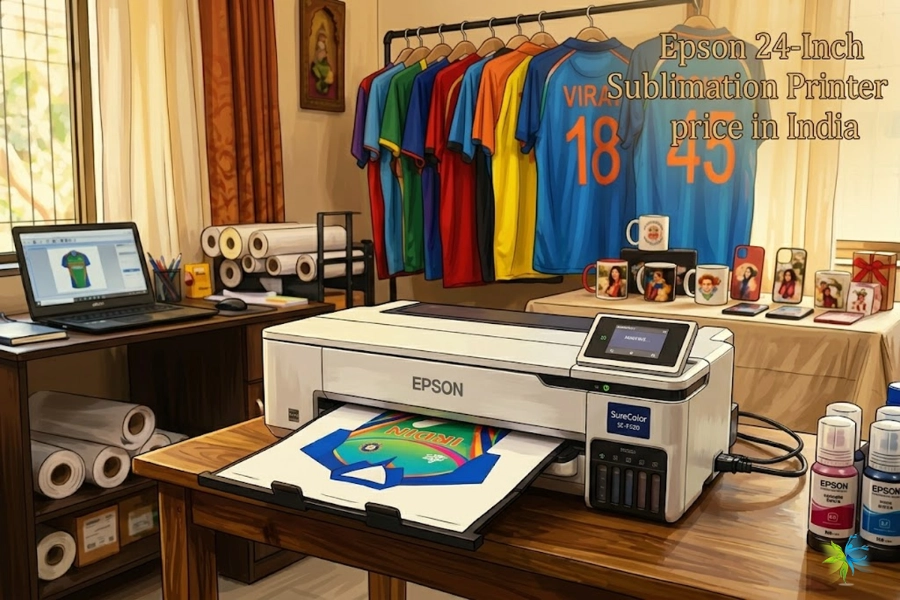
If you’re new to DTF (Direct-to-Film) printing, you might wonder: Can I use my regular inkjet printer with DTF transfer film? The answer is yes—but not with your everyday setup. You’ll need special DTF ink, film, and powder to make it work properly. In this guide, we’ll walk you through the process step by step, highlight common mistakes, and share pro tips for better results.
Watch Our 2026 Step-by-Step Tutorial: How to Print Perfect DTF Transfers
🛠 Step 1: Gather the Right Materials
To create DTF transfer paper using an inkjet printer, you will need the following list.:
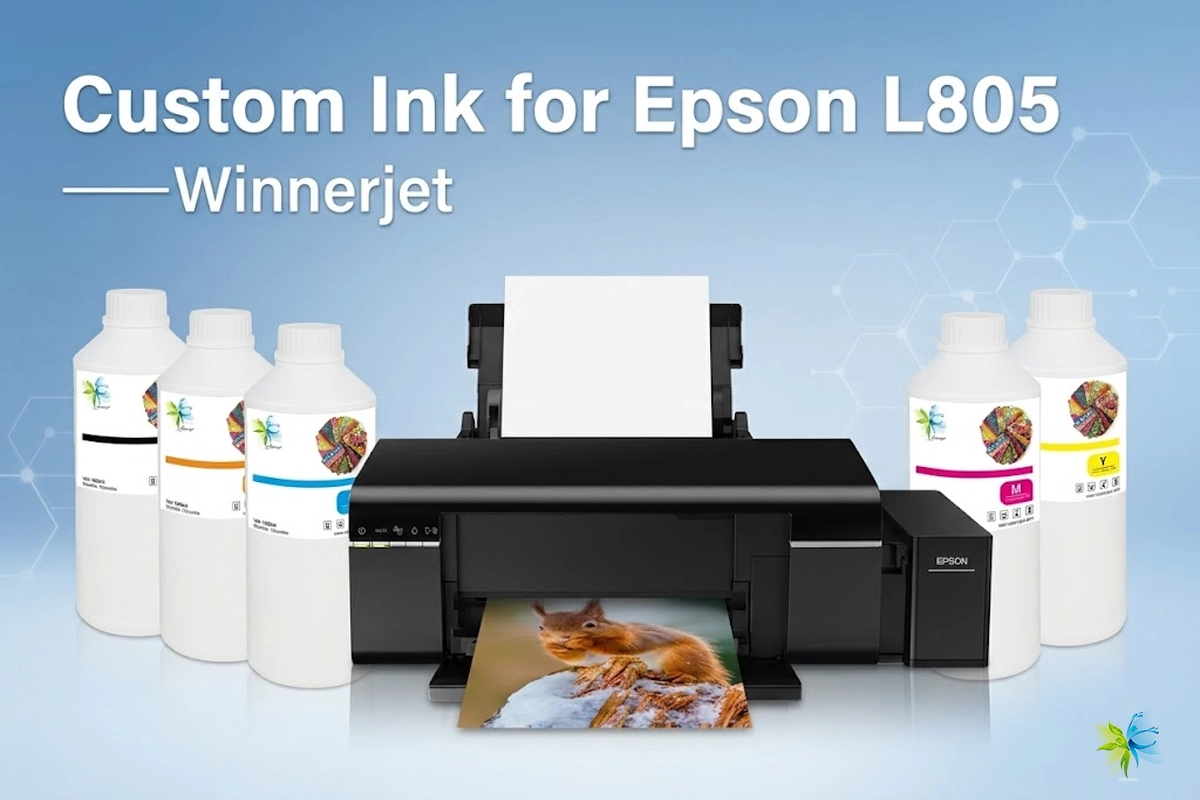
- Inkjet printer (Epson models are the most common choice)
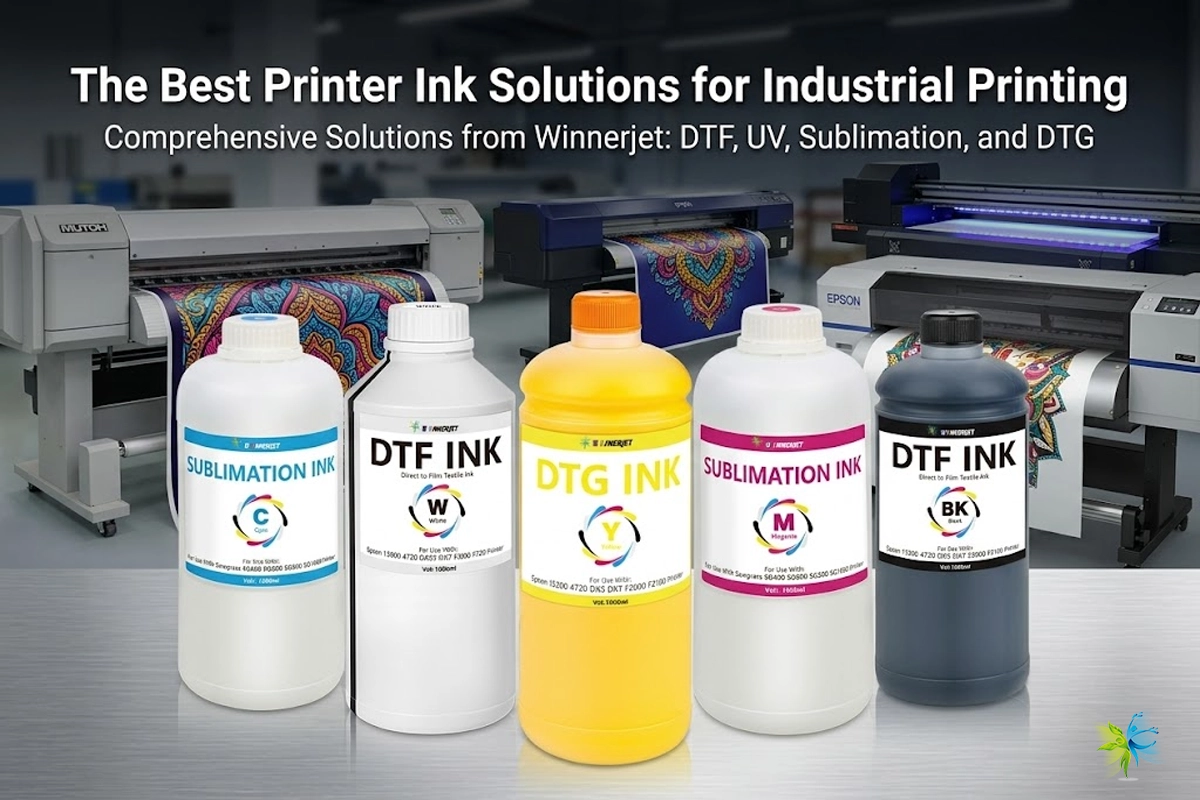
- DTF ink (standard ink won’t work)
- DTF transfer film (PET film)
- Hot-melt adhesive powder
- Heat press machine
👉 Tip: If you try to print with normal ink on DTF film, the design won’t transfer. Always use real DTF ink.


🔺Is it DTF Paper or DTF Film? In the industry, they refer to the same PET carrier sheet. Whether you search for ‘DTF paper’ or ‘DTF film’, the process for your inkjet printer remains the same.
🖼 Step 2: Prepare Your Design
The design setup is just as important as the printing itself.
- Create your artwork using Photoshop, Illustrator, CorelDRAW, or Canva.
- Make sure the resolution is 300 DPI for sharp details.
- Save your file as a PNG with a transparent background.
- Use bright, solid colors for the best print outcome.
🖨 Step 3: Print on the DTF Film
Now it’s time to print.
- Place the DTF transfer film into your inkjet printer, printing on the matte side.
- Print your design using DTF inks only.
- If your printer supports it, add a white ink underbase so designs pop on dark fabrics.
✨ Step 4: Apply Hot-Melt Powder
This step makes the print adhesive.
- While the ink is still fresh, sprinkle DTF hot-melt powder across the design.
- Shake gently to remove excess powder.
- Make sure every part of the print is evenly covered.
🔥 Step 5: Cure the Film
The powder must melt into the ink before transferring.
- Place the printed film in a curing oven or under a heat press (hover press without direct contact).
- Heat at 160°C (320°F) for 2–3 minutes.
- The powder will melt into a smooth, glossy layer.
👕 Step 6: Transfer to Fabric
Time to apply your design to a garment.
- Position the cured film on your fabric.
- Press with a heat press (not an iron):
- 160°C (320°F)
- 15–20 seconds
- Medium pressure
- Let it cool down, then peel the film off slowly.
Your custom shirt is ready! 🎉
Can You Use DTF Paper with a Regular Inkjet Printer?
Many beginners ask: “Can I just put DTF film into my home office printer?” The short answer is yes, but the results vary significantly depending on your setup. To help you decide which path is right for your business, here is a professional compatibility breakdown:
Comparison: Standard Inkjet vs. Professional DTF Setup
(Scroll left/right on mobile to view full table)
| Requirement | Regular Inkjet Printer | DTF Modified Printer (Professional) |
|---|---|---|
| Ink Type | Pigment/Dye Ink (Not recommended) |
DTF Specialized Ink |
| White Ink | ✘ No (CMYK only) | ✔ Yes (Required for dark fabrics) |
| Media | Regular Paper / Standard PET | Professional PET DTF Film |
| Result | Dull colors, fades after one wash | Vibrant, stretchable, and 50+ washes durable |
Why the Setup Matters
As shown in our 2026 Tutorial Video, the secret to industrial-quality transfers is the White Ink Underbase. Standard printers cannot print white ink, which means your designs will only look good on white t-shirts and will lack the “stretch” needed for long-lasting apparel.
Winnerjet Expert Tip: If you are serious about starting a clothing brand, using a DTF Modified Printer with Winnerjet specialized inks ensures that your prints are not only vibrant but also meet OEKO-TEX environmental standards.
⚠️ Common Mistakes to Avoid
- ❌ Using regular ink instead of DTF ink.
- ❌ Printing on the wrong side of the film.
- ❌ Skipping hot-melt powder.
- ❌ Trying to use an iron instead of a heat press.
🎯 Conclusion
Using DTF transfer film with an inkjet printer is not only possible but also a great way to create durable and vibrant prints. The key is using the right materials: DTF inks, film, powder, and a heat press. Once you follow the steps, you’ll be ready to make professional-quality designs right from your home or small shop.
👉 📩 Request Free Winnerjet DTF Ink & Film Samples today and experience how the right supplies can take your printing to the next level.
🧠 FAQ
Can I use a normal inkjet printer for DTF?
Yes, but only with DTF inks and transfer film. Standard inks won’t work.
Do I need white ink?
Yes, white ink is required for printing on dark garments.
Can I use an iron instead of a heat press?
No. A heat press is needed for consistent heat and pressure.
Is DTF film the same as sublimation paper?
No, DTF film is a PET-based film designed for DTF printing, not sublimation.
Do I have to mirror the design?
No, with DTF, you print directly—no mirroring is required.