DTG (Direct-to-Garment) printing has opened the door for small businesses, print-on-demand brands, and creators to produce high-detail, full-color shirts without screens or long setup time. But as simple as “print and press” sounds, DTG is a science — involving fabric behavior, chemistry, machine calibration, and correct curing.
Many beginners struggle during the first few weeks: prints appear faded, colors don’t pop, white ink clogs, or results look different from the digital screen. These issues are normal — and avoidable.
Below are the most common mistakes new DTG printers make, along with proven solutions to help you achieve clean, consistent, and professional results.
1. Skipping Pretreatment or Applying It Incorrectly
Pretreatment is one of the biggest learning curves in DTG. It helps prevent ink absorption and keeps white ink sitting on top of the fabric rather than sinking into it. Without proper pretreatment, prints will look soft, washed-out, or blurry.
Common beginner mistakes:
Spraying too little or too much pretreatment
Applying unevenly, leaving streaks and blotches
Printing before the pretreatment is fully dry
How to Avoid It
Use a calibrated sprayer or pretreatment machine for even application
Heat press for 15–25 seconds until the surface is dry and flat
Test shirt to fabric ratio—different materials absorb differently
A well-treated fabric will show a strong white base and sharper edges.
2. Not Flattening or Preparing the Fabric Surface
Raw fabric contains lint and tiny fibers that interfere with ink spray patterns. Even high-end DTG printers suffer if printing onto loose fibers or wrinkles.
How to Avoid It
Heat-press the garment before printing
Use a lint roller on cotton garments
Store shirts in a closed container to prevent dust buildup
This step takes seconds but dramatically improves print consistency.
3. Using Low-Quality or Incompatible Ink
Ink quality determines not only color vibrancy but also wash resistance and print texture. Some low-cost inks contain unstable particles that clog nozzles or produce weak color output.
Better Choice
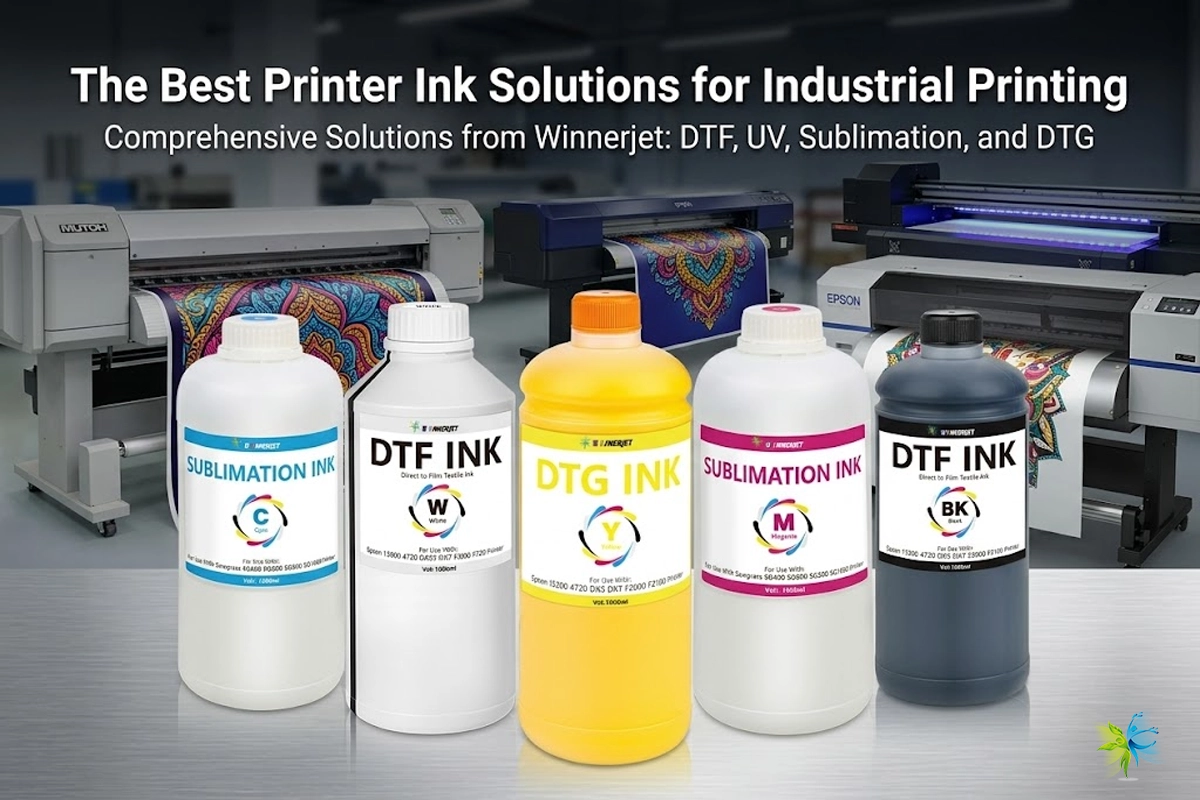
Winnerjet DTG Ink is engineered for:
Strong pigment concentration
Smooth ink flow with reduced clogging
Rich CMYK output and stable white ink opacity
Better wash durability
Switching to reliable ink reduces maintenance costs and improves repeatability—two things every print business needs.
4. Incorrect or Ignored RIP Software Settings
RIP (Raster Image Processing) controls how ink is layered. Beginners often rely on default settings instead of tuning color density, saturation, or underbase thickness.
The result? Colors that do not match the digital file.
How to Avoid It
Increase the white underbase for dark garments
Adjust color saturation based on garment color
Calibrate screens using ICC color profiles
Think of RIP settings as the “brain” of the print—fine-tuning them transforms the final result.
5. Improper Curing Temperature or Time
Even a perfect print can fail after washing if not cured correctly. Under-curing leads to fading or cracking, while over-curing can flatten inks or scorch garments.
Fix It With:
A consistent heat press or tunnel dryer
Correct curing time based on ink type
Wash testing before production runs
Most DTG inks, including Winnerjet, cure around 150–165°C (300–330°F) for 45–90 seconds, but always test and verify.
Bonus Mistake: Not Performing Regular Maintenance
DTG printers, especially those running white ink, require daily care. Many beginners skip cleaning and later face blocked nozzles or inconsistent spray patterns.
Maintenance habits that prevent damage:
Run daily head cleaning cycles
Shake white ink bottles before printing
Keep the capping station and wiper clean
A few minutes a day saves hundreds in repairs.
Final Thoughts
DTG printing takes practice, but once you master the process, the results are stunning. The key is working with quality materials, fine-tuning settings, and never skipping preparation steps.
Whether you’re just beginning or scaling production, using high-performance supplies makes the process smoother. Winnerjet offers DTG ink, pretreatment, and printing consumables engineered to deliver brighter colors, consistent performance, and dependable wash durability — so you can print with confidence.
Better prints start with better materials — and better knowledge.
FAQ
Why are my prints fading after washing?
Most fading issues come from under-curing or insufficient pretreatment. Check curing temperature and time.
Can I DTG print on polyester?
Polyester is more challenging. DTG works best on cotton. Some poly fabrics require special pretreatment.
Why does my white ink clog?
White ink contains heavy particles and must be shaken regularly. Routine cleaning prevents buildup.
How do I know if my pretreatment amount is correct?
If the white base prints solid and sharp without soaking in, the pretreatment level is correct.
Does ink brand really affect print quality?
Absolutely. Ink chemistry impacts vibrancy, flow, and durability. High-quality ink like Winnerjet produces richer colors and reduces maintenance.