The Direct-to-Film (DTF) printing method has revolutionized garment decoration. It offers vibrant colors and excellent durability. Yet, a perfect print often involves frustration. Streaking, color mismatches, or printhead clogs are common. Experts agree that skipping just a few days of maintenance can cause irreversible damage.
This complexity highlights one critical truth. Your setup’s performance hinges on the quality and handling of your DTF printer ink. Low-quality inks don’t just affect the final shirt. They threaten expensive core components. We are Winnerjet, your one-stop solution provider for digital printing. We’ve gathered essential troubleshooting tips. These tips will keep your machine running smoothly and profitably.
1. Printhead Clogging and the Role of DTF Printer Ink Quality
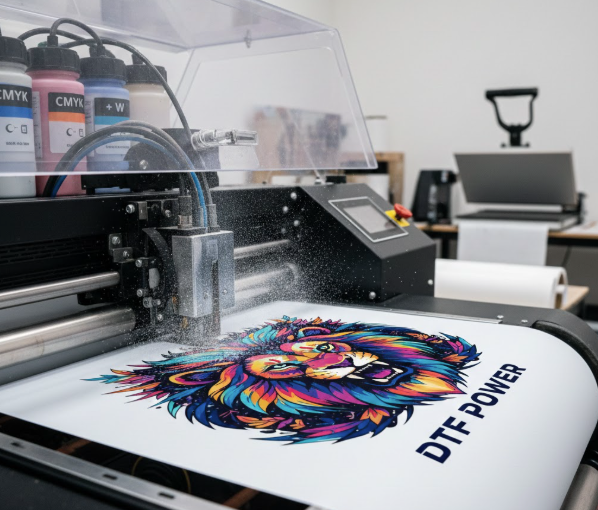
Clogging is arguably the biggest maintenance nightmare in DTF printing. It happens when white ink settles. White ink contains heavier pigments like titanium dioxide. This settled pigment then blocks the nozzles and ink lines.
Solution: Maintenance, Circulation, and Superior Consumables
Consistent maintenance is key to avoiding this. You must shake or agitate your white ink daily. Do this even if the printer is not in use. If you use a modified desktop machine, the ink must be formulated for that equipment. For example, specific Epson DTF ink blends maintain stability in desktop printing systems.
A high-quality ink system helps maintain constant ink flow. This includes a well-designed DTF CISS (Continuous Ink Supply System). We offer high-quality printing inks. These work seamlessly with popular brands like Epson. When clogs happen, never scrape the printhead. Instead, use a specialized cleaner DTF solution. This gently dissolves dried pigment. It does not damage delicate components. Proper ink prevents unnecessary downtime.
2. Color Inconsistency and Profile Management
Has a printed design ever looked dull on the film? It looked perfect on your screen. This common color mismatch often stems from poor communication. The problem is between your design software and the printer. The color profiles are simply not aligned.
Solution: Calibrating with a Reliable DTF ICC Profile
You need a precise DTF ICC profile for true color fidelity. This profile acts as a translator. It maps colors from your digital file (usually RGB). It maps them to the specific color space of your Epson DTF ink and printer (CMYK+White).
We recommend using custom profiles. These must match the specific inks and film you are using. A generic profile will not work. This is especially true for specialized colors like neon or pastels. If you experiment with vibrant shades, a profile optimized for DTF fluorescent ink is essential. It ensures those bright colors pop correctly off the film. Utilizing the correct profile drastically reduces wasted prints. This saves both time and material.
3. Poor Adhesion, Peeling, or Cracking
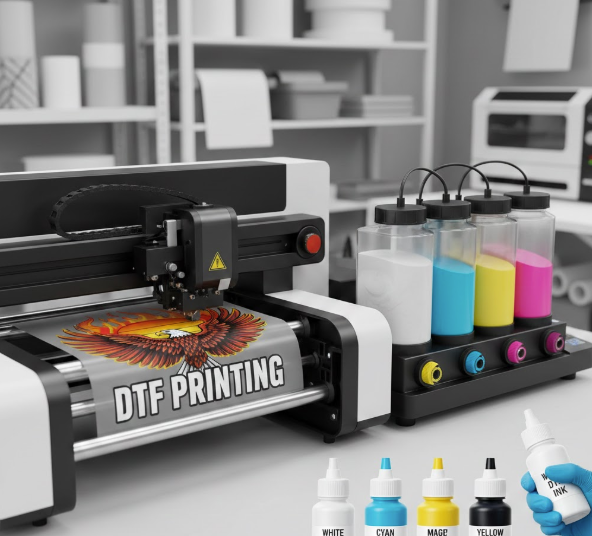
Adhesion issues occur when the design peels off after washing. It can also crack and stiffen too easily. This is a common sign that the ink, powder, and curing process are not working together. The durability of your print relies on this chemical bond.
Solution: Temperature, Time, and Quality DTF Transfer Ink
The solution requires focusing on three elements. They are the DTF transfer ink, the adhesive powder, and the curing process. First, ensure your DTF ink is fresh. It must be compatible with your chosen hot-melt powder. Poor-quality ink can fail to fuse properly during curing.
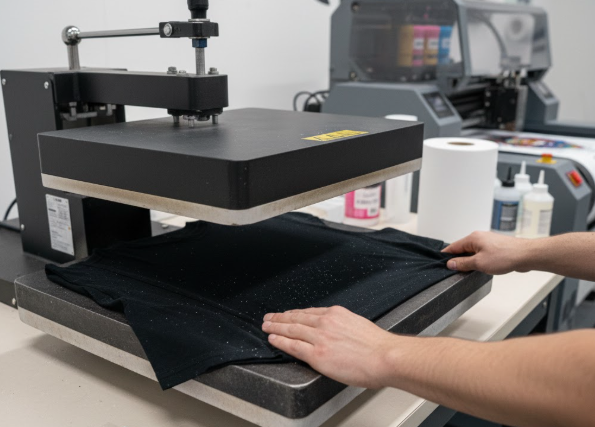
Second, check your curing process. If the temperature is too low, the powder won’t fully melt. If the curing time is too short, the powder won’t bond to the ink. If the heat is too high, the film may warp. The ink can also become brittle, leading to cracking upon stretching. We’ve found that consistency is everything. We stock only premium-grade DTF printer ink. It is tested for optimal curing performance and wash fastness.
4. Addressing Environmental Factors and System Efficiency
DTF printers are sensitive to their surroundings. High humidity can cause film to wrinkle. This leads to head strikes. Low humidity can instantly dry the ink in the nozzles. This causes stubborn clogs. Ignoring the overall system efficiency is another expensive mistake.
Solution: Climate Control and System Upgrades
Maintain a stable print environment. Ideally, keep it between 40% and 60% humidity. This prevents issues with your cleaner DTF routine. It also helps stabilize ink. Beyond the environment, consider your ink delivery system. For high-volume production, upgrading to a specialized DTF CISS is a game-changer. These systems provide stable ink flow. They also minimize contact with air. This keeps the ink fresh.
5. Expanding Your Color Palette with Specialty Inks
The market is moving beyond standard CMYK. Many clients now request neon, metallic, or specialized colors. Using these high-demand specialty inks introduces new challenges. However, it offers great profit potential.
Solution: Proper Handling of DTF Fluorescent Ink
You will need DTF fluorescent ink for bright, eye-catching designs. These inks are highly pigmented. They require even more agitation and maintenance. Do this more than standard white or color inks. Always shake the bottles well before refilling the system.
Furthermore, ensure your RIP software is configured correctly. Your DTF ICC profile must also recognize the unique color channels of the fluorescent inks. Failure to do so will result in dull colors. This defeats the purpose of using specialty ink. Using specialized DTF transfer ink allows printing on darker materials. This provides an opaque base layer for your specialty colors to shine.
Boost Your Print Quality with Expert Support
Mastering DTF printing requires diligence. This is especially true for the consumables that power your operations. Every issue, from a minor color shift to a major printhead clog, traces back to ink quality. It also links to the management of your system and its maintenance. By prioritizing high-grade DTF printer ink, you reduce downtime and waste. Adhere to strict cleaning schedules. Use the right color profiles.
At Winnerjet, we understand the pressures of textile printing. We specialize in providing comprehensive printing solutions. This includes top-tier DTF printers and premium inks. They are compatible with popular brands like Epson. We focus on quality and innovation. This ensures our products are tested for optimal performance and wash fastness.
Contact Winnerjet today and speak with our expert.
FAQs
1. How do I prevent printhead clogs, especially with white DTF printer ink?
Shake white ink every day. White pigment settles quickly. Use a specialized DTF cleaning solution. This gently flushes the system. It is key for printers using Epson DTF ink.
2. Why are my print colors dull, not matching my screen?
Color mismatch means a profile issue. Use a high-quality, custom DTF ICC profile. This profile translates your digital RGB colors. It must fit your CMYK+White printer setup. Generic profiles fail to give true color.
3. What is the best way to handle specialty inks like DTF fluorescent ink?
These inks have high pigment. They need more shaking than standard colors. Check that your RIP software is configured. It must fully use the specialty ink channels. This ensures maximum color “pop.”
4. What is the most overlooked factor for print durability (peeling/cracking)?
The curing process is often missed. Check your time and temperature settings. They must exactly match your DTF transfer ink. They also need to match the adhesive powder. Consistent cure gives a strong, wash-fast bond.