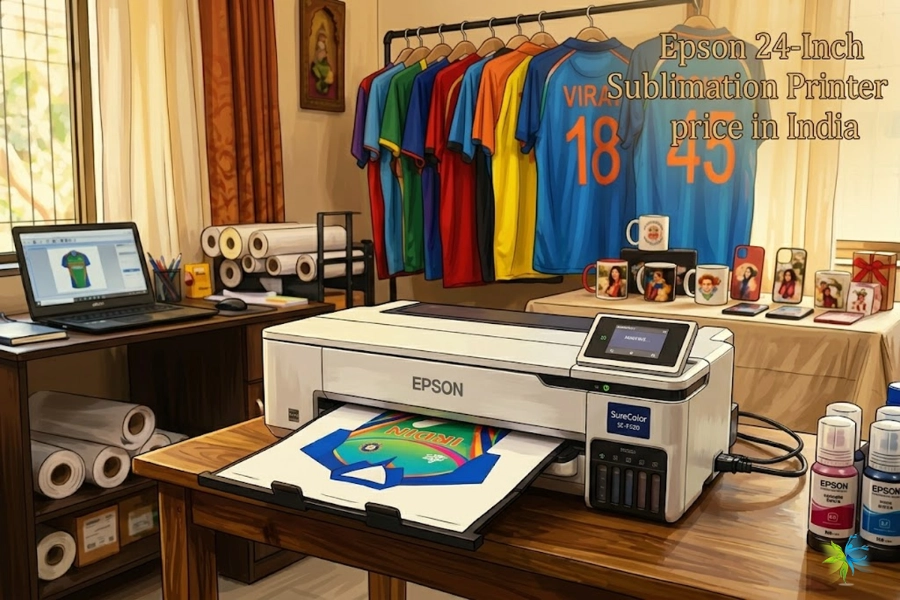
If you’re looking for a printer that doesn’t force you to use expensive original ink cartridges, the good news is that several printer manufacturers allow the use of third-party or compatible ink. Among the most commonly recommended brands are Brother, Canon, and Epson (especially EcoTank models). These printers generally offer more flexibility, making it easier for users to refill cartridges or use compatible inks from third-party suppliers.
However, not all printers are equally open. Some brands actively restrict compatible cartridges through chip authentication, firmware updates, or security systems, which can suddenly block third-party ink even if it previously worked. Because of this, choosing the right printer brand and model can make a huge difference in long-term printing costs.
In this guide, we’ll break down which printer manufacturers allow third-party ink, which ones try to block it, and how to choose a printer that gives you the most freedom and lowest printing cost. We’ll also share insights from professional ink engineers who work with inkjet systems every day.

Why Do Printer Companies Force You to Use Their Ink?
The reason many printer manufacturers try to lock users into their own ink cartridges is mainly due to a well-known business strategy called the “razor and blades” model. In this model, the printer itself is often sold at a very low price—sometimes even close to the manufacturing cost—while the real profit comes from selling replacement ink cartridges over time.
Original printer ink is one of the most expensive liquids in the world when measured per milliliter. By requiring customers to purchase proprietary cartridges, manufacturers can maintain high margins and create a recurring revenue stream. To protect this business model, some companies install microchips inside cartridges that allow the printer to verify whether the cartridge is genuine.
In recent years, some manufacturers have taken this even further by introducing firmware-based security systems. These systems can detect compatible cartridges and block them from working, sometimes through automatic software updates. As a result, a cartridge that worked yesterday may suddenly stop functioning after a firmware update.
Because of these restrictions, many consumers and businesses now actively search for printers that allow third-party ink or refill systems, which can significantly reduce long-term printing costs. Understanding which manufacturers are more open—and which ones restrict compatible supplies—is the key to making a smarter printer purchase.
Printer Manufacturers That Do NOT Force You to Use Their Ink
Although many printer companies try to lock users into their own cartridges, some manufacturers are known for being more compatible with third-party ink and refill solutions. These brands generally provide printers that are easier to refill, accept compatible cartridges, or do not aggressively block non-original supplies through firmware updates.
Below are several printer manufacturers that are widely considered more open to third-party ink.
Brother – One of the Most Third-Party Friendly Printer Brands
Brother printers are often recommended by professionals and small businesses because they are less restrictive when it comes to compatible cartridges and toner refills. Many Brother inkjet and laser printers can work with third-party supplies without frequent firmware blocks.
Laser printers from Brother are especially popular for users who want lower operating costs. Compatible toner cartridges and refill powders are widely available, making it easier to reduce printing expenses over time.
Because of this flexibility, Brother printers are frequently suggested in online forums, office environments, and printing communities for users who want freedom from expensive original cartridges.
Canon – Many Models Allow Compatible or Refilled Ink
Canon is another manufacturer that tends to be relatively friendly to compatible ink solutions, especially in its refillable printer lines.
For example, Canon’s MegaTank printers are designed with built-in ink tanks that can be manually refilled, making them naturally compatible with third-party refill ink. Even on traditional cartridge printers, some Canon models allow users to continue printing after disabling the ink level monitoring system.
This flexibility has made Canon printers popular among users who want to experiment with refill ink systems or bulk ink solutions.
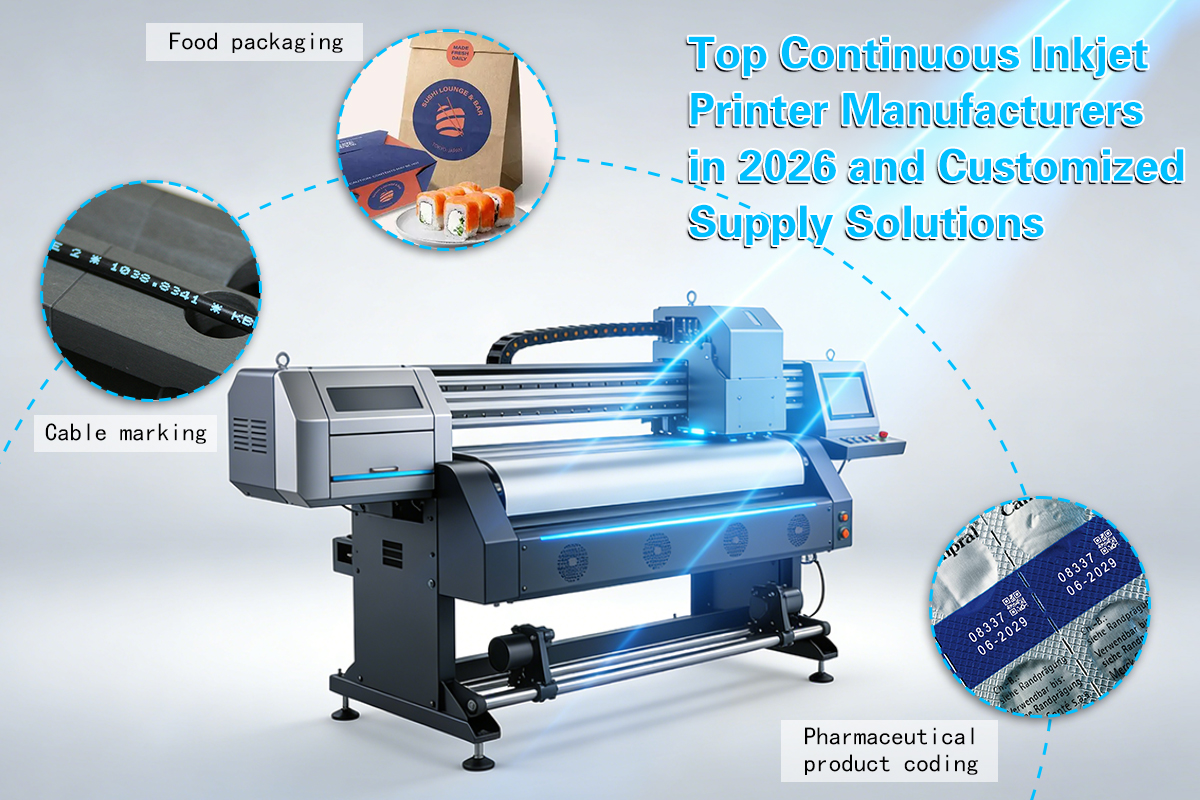
Epson EcoTank – Designed for Refillable Ink Systems
Epson’s EcoTank series represents a different approach to the printer business model. Instead of traditional cartridges, these printers use large integrated ink tanks that can be refilled directly using bottled ink.
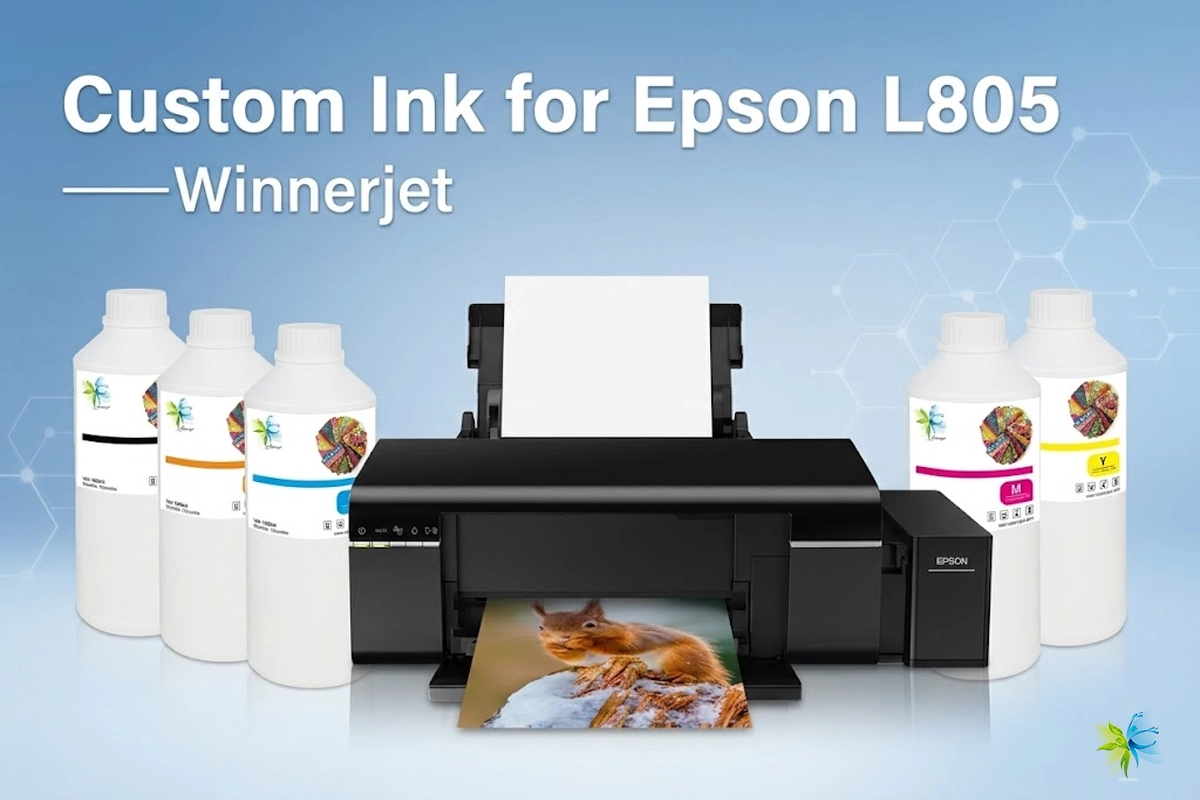
Because the system is refill-based, many users choose third-party refill ink to reduce costs even further. In the printing industry, EcoTank printers are also widely used for DTF printing modifications, specialty printing setups, and bulk ink applications.
According to many printing technicians and ink engineers, refill-tank printers provide one of the most flexible platforms for compatible ink systems, which is why they are often recommended for users who want to avoid cartridge lock-in.
Printer Brands That Often Block Third-Party Ink
While some manufacturers are relatively open to compatible ink, others are known for actively restricting third-party cartridges through hardware and software controls. Among them, HP printers are often the most discussed example.
In recent years, HP has implemented a technology called Dynamic Security, which is designed to detect whether a cartridge contains an authorized HP chip. If the printer determines that the cartridge is not genuine, it may refuse to print even if the cartridge is physically compatible. In some cases, firmware updates can also block previously working cartridges.
This approach is part of a broader strategy to protect the company’s cartridge business. By ensuring that printers only accept original supplies, manufacturers can maintain recurring revenue from ink sales.
However, this has also led many consumers, businesses, and printing professionals to actively search for printers that allow compatible ink or refill systems. In commercial printing environments—such as textile printing, UV printing, and specialty inkjet applications—using alternative ink solutions is often essential for controlling operational costs.
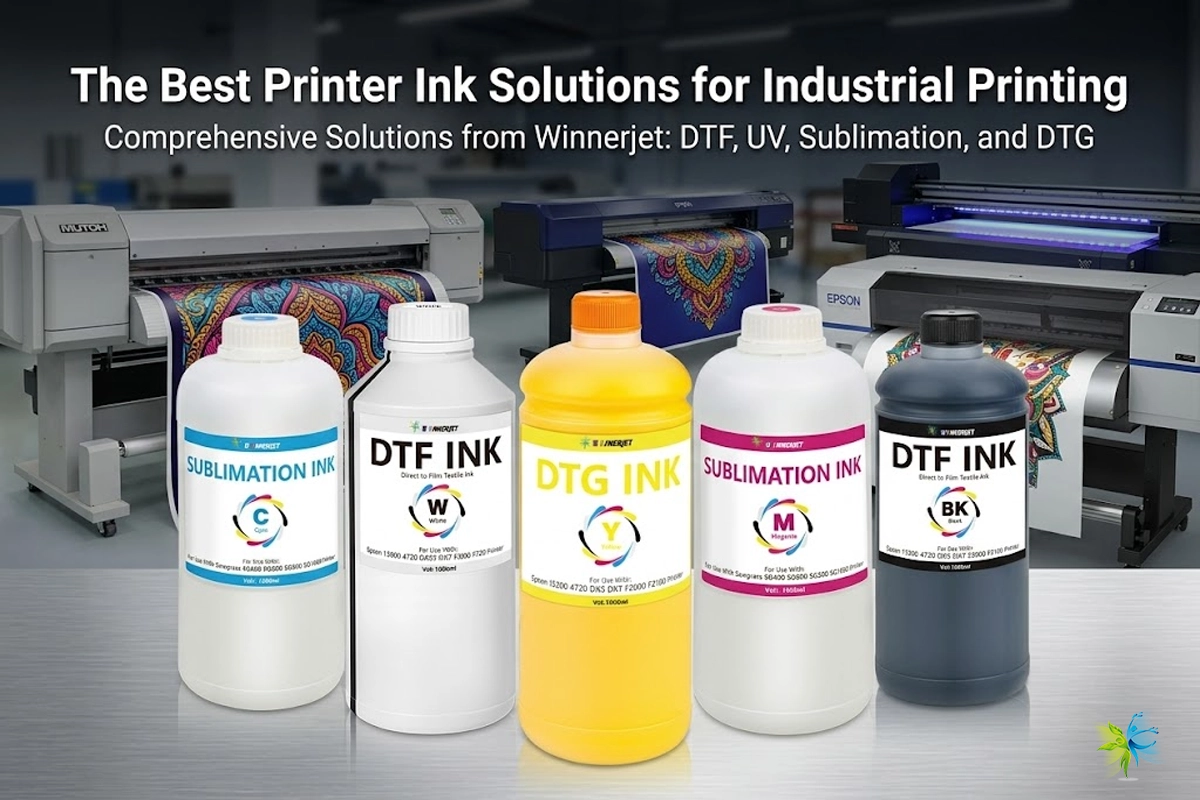
This is where experienced ink manufacturers play an important role. Companies like Winnerjet, a professional ink manufacturer with years of experience in inkjet technology, work closely with printing engineers and technicians to develop compatible inks for various printing systems, including Epson-based printers commonly used in DTF, UV, and industrial inkjet applications.
By understanding both printer technology and ink chemistry, professional ink suppliers help businesses achieve stable printing performance while significantly reducing printing costs.
Best Types of Printers If You Want to Use Third-Party Ink
If your goal is to avoid being locked into expensive original cartridges, choosing the right type of printer is just as important as choosing the right brand. In general, printers designed with refill systems or simple cartridge structures tend to be much more compatible with third-party ink solutions.
Here are the printer types most commonly recommended by printing technicians and industry professionals.
Ink Tank Printers (Refillable Systems)
Ink tank printers are widely considered one of the most flexible options for using third-party ink. Instead of small sealed cartridges, these printers use built-in ink tanks that can be filled directly with bottled ink.
Popular examples include Epson EcoTank and Canon MegaTank printers. Because these systems are designed to be refilled, users often choose compatible ink from trusted suppliers to significantly reduce printing costs.
In many professional printing environments, refillable ink systems are also used as the foundation for DTF printing, textile printing, and specialty ink applications. For example, printing engineers often work with suppliers like Winnerjet to develop compatible inks that provide stable color performance, smooth ink flow, and long-term printhead protection.
Laser Printers
Another good option for users who want more freedom with supplies is a laser printer, especially models from manufacturers known for more open toner systems.
Laser printers use toner powder instead of liquid ink, and many toner cartridges can be refilled or replaced with compatible versions without complicated chip restrictions. This makes them a popular choice for offices that print large volumes of documents.
Although laser printers are mainly used for document printing rather than photo or textile printing, they are still valued for their low cost per page and supply flexibility.
Converted Inkjet Printers for Specialized Printing
In professional printing industries, many businesses go even further by using converted inkjet printers for specialized applications such as DTF printing, UV printing, and industrial labeling.
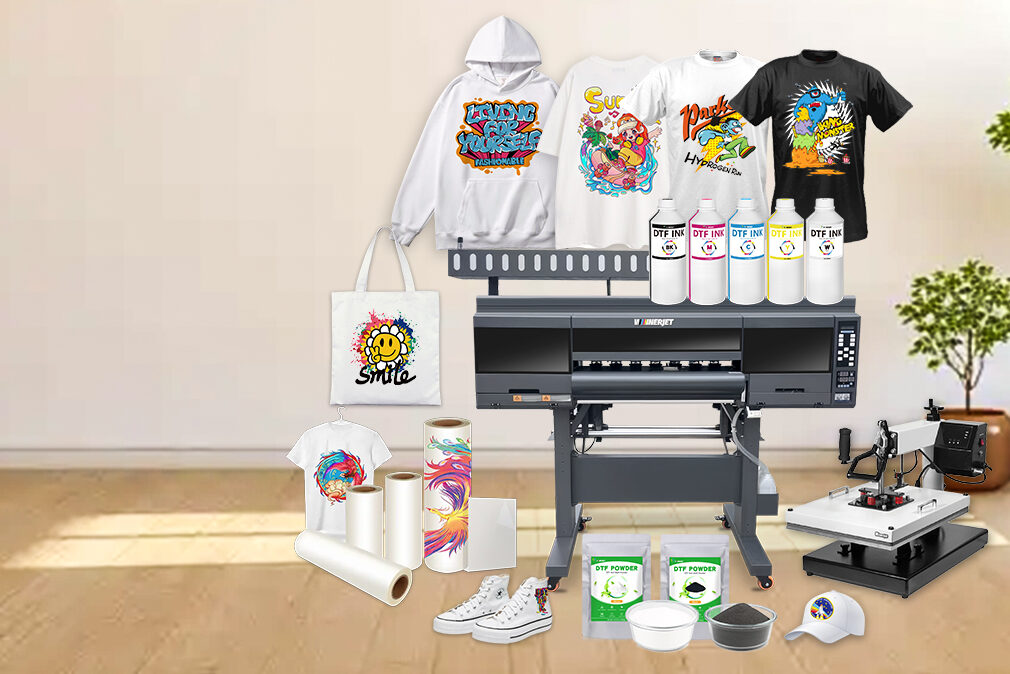
These systems often rely on printers based on Epson printhead technology, combined with carefully developed inks that match the printer’s mechanical and chemical requirements. This is why experienced ink manufacturers such as Winnerjet invest heavily in ink formulation, testing, and compatibility research to ensure stable performance across a variety of printing platforms.
For businesses that rely on printing every day, choosing the right printer type and a reliable ink supplier can make a significant difference in cost control, print quality, and long-term reliability.
Conclusion
Choosing a printer that does not force you to use original ink can significantly reduce long-term printing costs. While many manufacturers rely on proprietary cartridges to maintain their revenue model, some brands remain more flexible and compatible with refill systems or third-party ink solutions.
In general, Brother, Canon, and Epson EcoTank printers are often considered the most compatible with alternative ink supplies, while some other brands may use firmware updates or chip authentication systems to restrict non-original cartridges.
For both home users and businesses, understanding these differences before purchasing a printer can save a large amount of money over the lifetime of the device. At the same time, working with a professional ink supplier is equally important. Reliable manufacturers such as Winnerjet develop high-quality compatible inks designed for stable printing performance across various inkjet platforms, including systems used in DTF printing, UV printing, and other professional applications.
As printing technology continues to evolve, more users are looking for flexible printing solutions that balance cost, quality, and reliability—and choosing the right printer and ink supplier is the first step toward achieving that goal.
FAQ About Printers That Allow Third-Party Ink
1. Can I use third-party ink in any printer?
Not always. Some printers accept compatible ink cartridges without problems, while others use chip authentication or firmware security systems that may block non-original cartridges. It is important to check the printer model before purchasing.
2. Which printer brands are most compatible with third-party ink?
Brands such as Brother, Canon, and Epson EcoTank are commonly considered more compatible with refill systems and third-party ink solutions. These printers are widely recommended for users who want lower printing costs.
3. Why do some printers block compatible cartridges?
Many printer manufacturers follow a razor-and-blade business model, where the printer is sold at a low price while the company earns revenue from ink cartridge sales. Blocking compatible cartridges helps protect this recurring income stream.
4. Will third-party ink damage my printer?
High-quality compatible ink developed by professional manufacturers is generally designed to match the chemical and physical requirements of the printer system. However, low-quality ink can sometimes cause issues such as clogging or unstable colors. That is why choosing a reliable ink supplier is important.
5. Are refill tank printers better for third-party ink?
Yes. Printers with built-in refillable ink tanks, such as EcoTank or MegaTank systems, are typically much more flexible for using alternative ink supplies compared with traditional cartridge printers.
6. Where can businesses find reliable compatible ink solutions?
Professional ink manufacturers like Winnerjet provide compatible inks designed for a wide range of printing applications, including DTF printing, UV printing, and industrial inkjet systems. These solutions help businesses reduce printing costs while maintaining stable print performance.