Yes, you can physically run DTF film through a sublimation printer—a popular DIY workaround known across YouTube and TikTok as the “Sublimation DTF Hack.”
By printing sublimation ink onto DTF transfer film and coating it with hot-melt adhesive powder, crafters use this technique to press designs onto 100% cotton garments without buying a dedicated DTF setup.
However, this is a DIY hack, not true DTF printing.
Because sublimation printers run standard CMYK inks and lack a white ink channel, there is no white underbase. As a result, this method only works on white or light-colored fabrics and suffers from noticeable ink pooling, muted colors, and limited wash fastness.
Below, we break down exactly how this viral hack works, its major real-world limitations, and why a dedicated DTF setup is still required for commercial print shops.
1. What Is DTF Film and How Does It Work?
DTF (Direct-to-Film) printing uses a special film that holds colored inks and an adhesive powder. The process works like this:
- Print your design onto DTF film using DTF inks.
- Apply DTF powder to the wet print.
- Cure the powder with heat.
- Press the design onto fabric with a heat press.
This method creates durable, colorful transfers that can be applied to cotton, polyester, blends, and even dark fabrics.
🎬 Watch our hands-on video to see the Winnerjet DTF printer in action and learn how to perfect this step-by-step workflow!

2. How Sublimation Printers Work
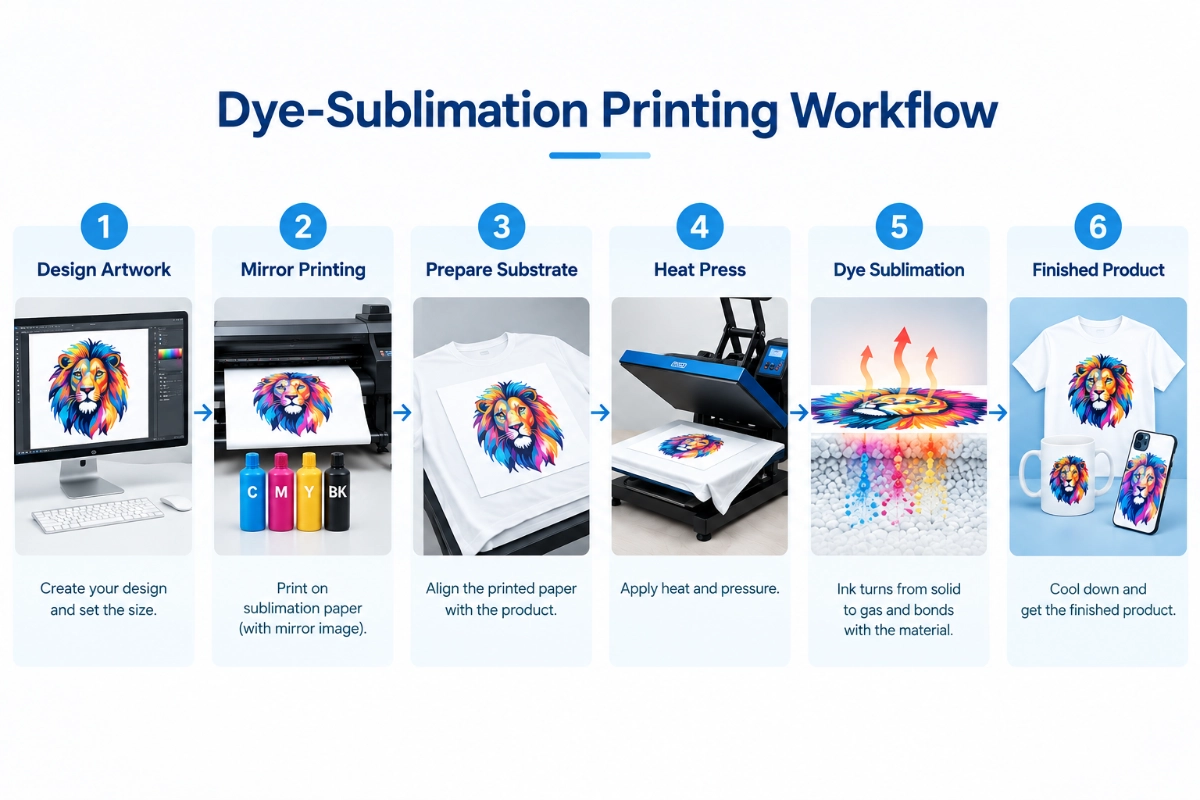
Sublimation printing, on the other hand, is completely different. Here’s the process:
- Print the design using sublimation ink on sublimation paper.
- Place the print on a polyester-coated surface.
- Apply high heat, which turns the ink into a gas.
- The gas bonds with the coating, creating a permanent, vibrant image.
This means sublimation only works on polyester fabrics and coated items like mugs, plates, and phone cases.
3. Can You Print DTF on a Sublimation Printer? (The Truth)
Yes, you can. But it is an unofficial DIY hack, not a professional solution.
Sublimation DTF Hack Works (Step-by-Step)
[Print on Matte Film] ➡️ [Apply Powder] ➡️ [Melt at ~170°C] ➡️ [Press on Cotton]
- Mirror-Print: Load matte DTF film into your sublimation printer and mirror your graphic. Print onto the coated matte side on high quality. Handled carefully, as sublimation ink remains wet on the film.
- Apply Hot-Melt Powder: Cover the wet print immediately with TPU adhesive powder. Shake off excess so powder only adheres to wet ink lines.
- Melt the Powder (~170°C / 340°F): Place the film on your heat press and hover the top platen 1–2 inches above the design for 60–90 seconds until the powder turns into a clear, glossy “orange peel” layer.
- Heat Press: Press onto pre-flattened 100% light cotton fabric at 170°C (340°F) for 30–45 seconds with medium pressure, then peel once completely cool.
Crafter Melissa Viscount tested this workflow step-by-step in her real-world test video:
👉 Watch the full test: Silhouette School: Testing the Viral DTF Printing with Sublimation Ink Hack
4 Major Drawbacks (Why It’s Not True DTF)
- No Dark or Black Garments: Sublimation printers lack white ink. Without a white underbase, your designs will completely disappear on dark fabrics. This only works on white or light-colored cotton.
- Ink Pooling & Bleeding: Sublimation ink is much thinner than DTF ink. It easily runs and pools on slick DTF film, causing blurry edges.
- Poor Wash Durability: Because there is no solid DTF pigment base, the transfer is prone to cracking, fading, and peeling after just 10 to 15 washes.
- Printer Slippage & Jams: DTF film is slicker than sublimation paper. Standard sublimation printers often struggle to grip the film, leading to paper feed errors.
If you’re just doing this for fun, this workaround can save you money; however, if you’re running a shop or a business, you must use genuine, dedicated DTF equipment and consumables—otherwise, the volume of product returns will make you question your sanity.
4. Direct DTF vs Sub-to-DTF Hack
| Comparison Factor | Dedicated Direct DTF System | Sub-to-DTF DIY Hack |
|---|---|---|
| Ink System | Dedicated DTF Pigment Ink (CMYK + White) | Sublimation Disperse Dye Ink (CMYK only) |
| Cotton Fabric Support | Yes (100% cotton, combed cotton, fleece) | Yes (Light/white cotton only) |
| Dark & Black Garments | Full Opacity & Vibrant Opaque white underbase |
Fails Completely Transparent ink disappears |
| Wash Fastness | 50+ washes Industrial-grade stretch & durability |
10–15 washes Prone to fading, cracking & peeling |
| Cost Per Transfer | Lowest Optimized bulk ink & powder usage |
Higher long-term High ink waste & film scrap rate |
| Print Head Safety | High (Formulated viscosity prevents clogs) | Risky (Sub ink bleeds and pools on slick films) |
While the Sub-to-DTF hack works for casual home experiments on white shirts, running a reliable print business requires opacity on black garments, vibrant color profiles, and commercial wash durability.
If you are ready to produce retail-ready apparel without color bleed or fabric restrictions, upgrade to a professional desktop setup:
Explore the Winnerjet A3 Desktop DTF Printer — Engineered with a dedicated white ink circulation system, ultra-precise droplet placement, and low maintenance overhead, giving you retail-quality custom transfers on any fabric color.
5. What to Do Instead
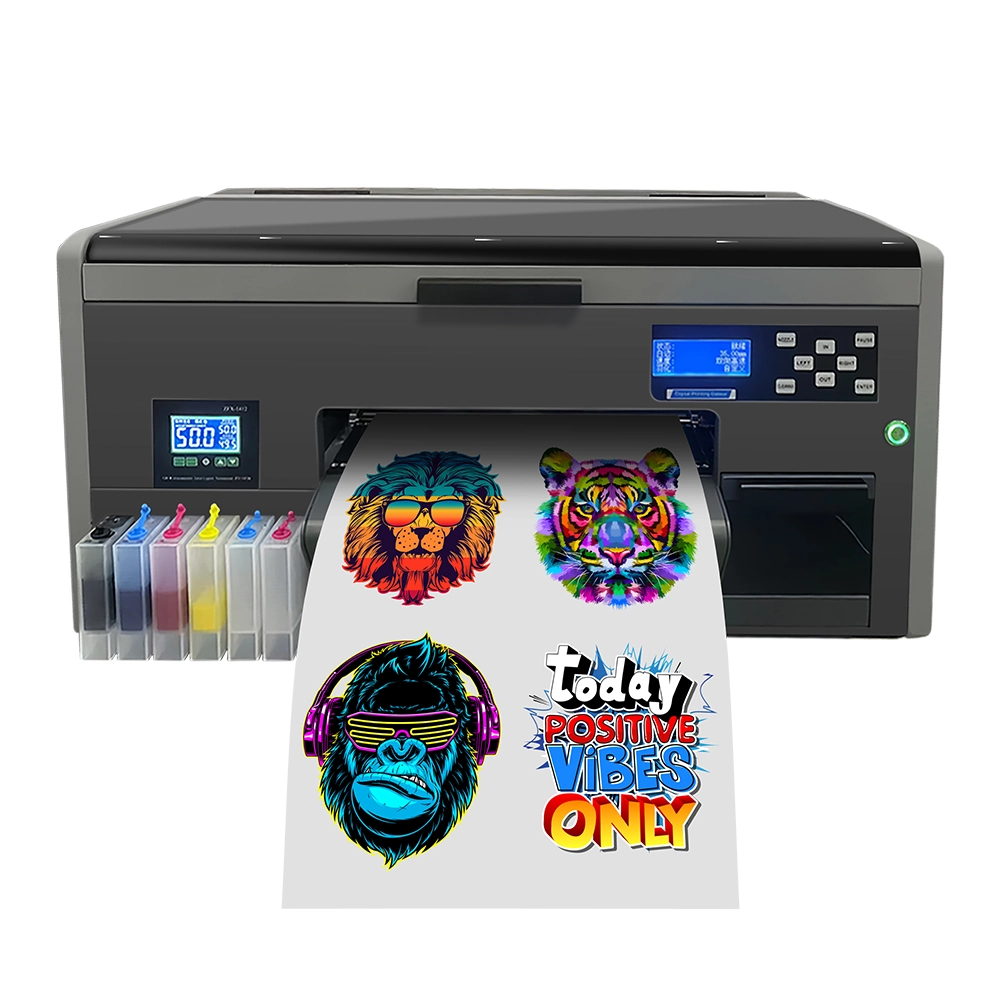
If you want to try DTF printing, the right setup is essential. You’ll need:
- An inkjet printer that can be converted for DTF use (popular choices include Epson models)
- DTF inks instead of sublimation inks
- DTF film designed for DTF printing
- Adhesive powder and a heat press for curing and transferring
This ensures your prints look sharp, last longer, and don’t damage your printer.


6. Winnerjet Recommendation
At Winnerjet, we provide solutions for both sublimation and DTF printing, so you don’t have to choose unthinkingly.
- Winnerjet Sublimation Ink → Perfect for polyester fabrics, mugs, tumblers, and coated hard goods.
- Winnerjet DTF Ink & DTF Film → Ideal for cotton, polyester blends, and all-color fabrics with stretchy, durable results.
Instead of mixing systems, it’s better to pick the right one for your product needs. Many businesses even use both — sublimation for hard goods and DTF for fabrics.
FAQ Use DTF Film in a Sublimation Printer
Can you put DTF film into a sublimation printer?
Can I turn my sublimation printer into a DTF printer?
No, you cannot directly convert a working sublimation printer into a true DTF printer simply by switching consumables. Sublimation setups lack white ink lines, RIP color profiling, and mechanical white ink circulation systems. Without continuous stirring, thick titanium dioxide DTF white pigment will quickly settle and permanently clog sublimation printhead nozzles.
Is DTF film the same as sublimation paper?
No, DTF film and sublimation paper use completely different chemical coatings and transfer mechanics. Sublimation paper absorbs liquid dye ink to release it as a gas under high heat into polyester. In contrast, DTF film is a non-absorbent PET sheet designed to hold wet pigment ink until adhesive powder is cured on top.
Can you put DTF on sublimation blanks?
Yes, genuine DTF transfers can adhere to polyester-coated sublimation blanks like mugs, metal plates, or mousepads using a standard heat press. However, it is unnecessary and less cost-effective. Direct sublimation gas bonds permanently into the blank’s polymer coating, whereas DTF sits on the surface as a raised adhesive film that can scratch off.
Can you use sublimation ink on DTF film for dark shirts?
No, using sublimation ink on DTF film will completely fail on black or dark garments. Sublimation inks are translucent disperse dyes with zero white ink capability. Without an opaque white backing layer, the CMYK dyes blend directly into the dark fabric threads and vanish entirely once heat pressed.
For a complete breakdown of why the chemical properties clash, see our detailed guide on whether sublimation ink can be used for DTF transfers before risking your print heads and garments.