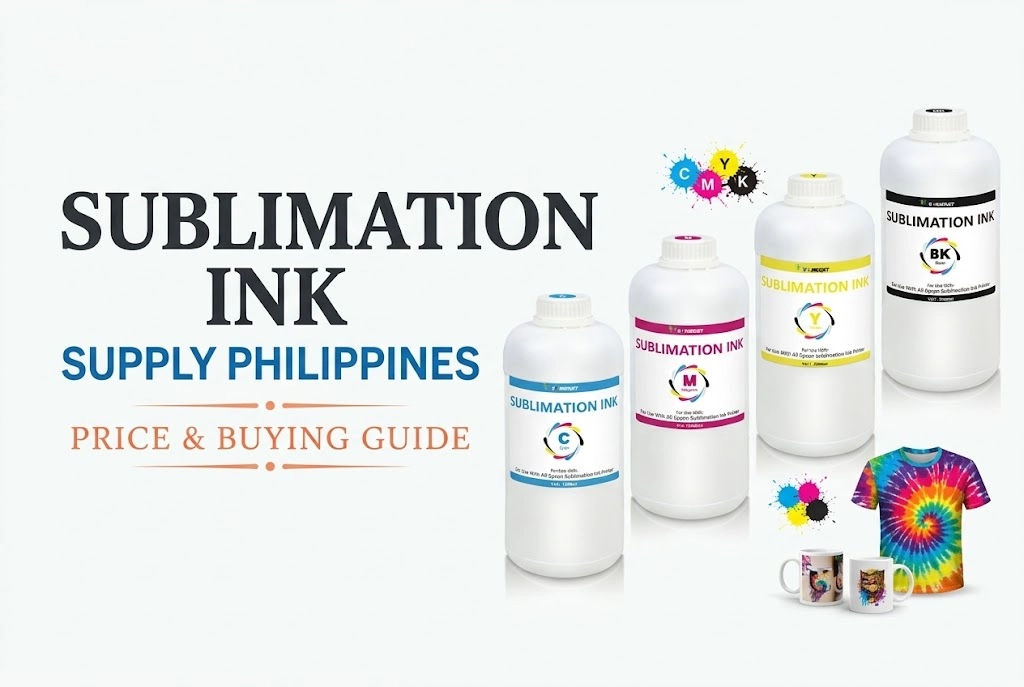
Starting a sublimation printing business is a great way to earn money from home or grow a custom product shop. It’s low-cost, fun, and perfect for printing on shirts, mugs, bags, and more.
But what do you need to get started?
This guide shows you everything you need to launch your sublimation business, step by step — with a full checklist, startup tips, and beginner-friendly advice.
✅What Is Sublimation Printing? (In Simple Terms)
Sublimation is a specialized digital printing process where sublimation ink turns into gas under heat and infuses directly into the material’s fibers. The result is a vibrant, permanent print that won’t crack, peel, or fade over time.
🔍 Note: Sublimation only bonds with polyester fabrics or polymer-coated rigid blanks. It does not work on untreated cotton.

🧰 Starter Checklist – What Do You Need For Sublimation Printing
Here’s a complete list of tools and supplies to begin:
1. Sublimation Printer
You need a printer that uses piezo-based printheads to handle sublimation ink without thermal degradation.
Best Starter Sublimation Printers (Converted vs Dedicated)
- Epson EcoTank ET-2800 / ET-2850 (Budget Converted): The most cost-effective option for beginners printing standard letter-sized transfers (A4/8.5″x11″).
- Epson EcoTank ET-15000 (Wide-Format Converted): Ideal for larger designs, all-over prints, and bulk production (prints up to 13″x19″).
- Sawgrass SG500 / Epson SureColor F170 (Dedicated): Factory-built sublimation printers with plug-and-play setup and factory color profiles, though initial and ongoing ink costs are higher.
How to Convert an Epson EcoTank for Sublimation (Step-by-Step)
Converting a brand-new Epson EcoTank (such as the ET-2800 or ET-15000) is one of the most budget-friendly ways to get started.
⚠️ Important Note: Always start with a brand-new printer that has never been loaded with regular inkjet ink. Adding sublimation ink voids the standard manufacturer warranty, but it provides a reliable, cost-effective setup for apparel, mugs, and tumblers.
- Unbox & Prepare: Remove all protective tape from the printer. Do not load the standard Epson ink that comes in the box.
- Fill Ink Tanks: Fill each tank with dedicated sublimation ink using auto-stop refill bottles or syringes to prevent air gaps.
- Initialize & Prime: Complete the initial ink charge and run printhead cleaning/nozzle checks to ensure smooth ink flow.
- Driver Settings: Configure print quality to High / Matte Presentation Paper and make sure to Mirror your designs before printing.
👉 Watch the full tutorial on YouTube: Converting an Epson Ecotank Inkjet Printer to Sublimation Printer
Some people buy ready-to-use sublimation printers or convert Epson inkjet printers (like EcoTank).
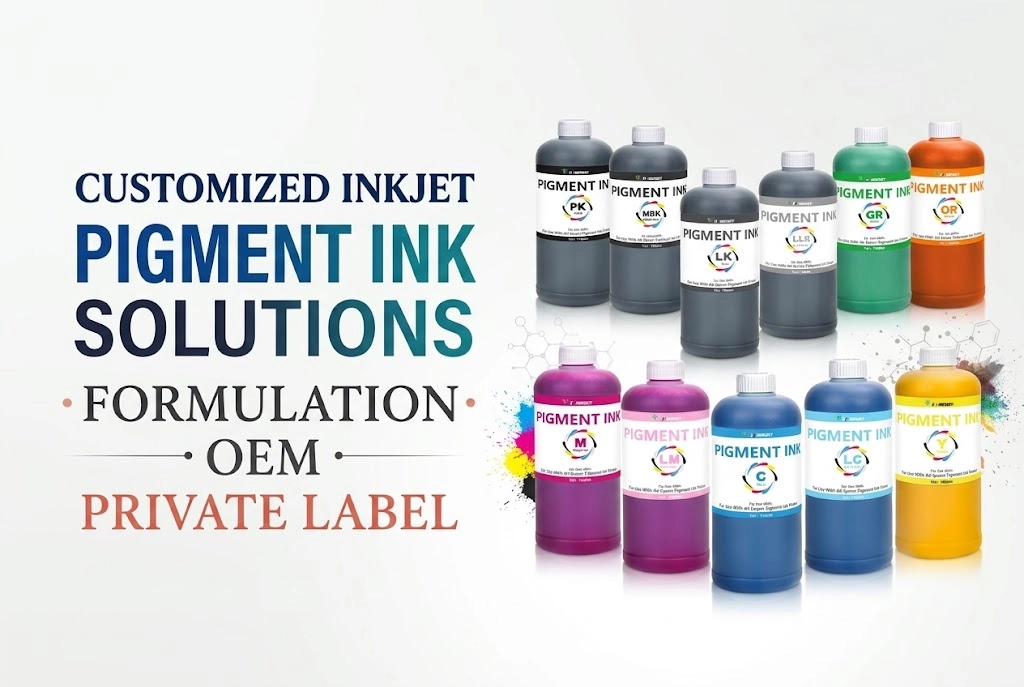
💡 Winnerjet sublimation ink is made for Epson printers. It gives bright, clean prints and is less likely to clog.
2. Sublimation Ink
This special ink turns into gas when heated and bonds with polyester. Regular ink won’t work.
- You need 4 colors: cyan, magenta, yellow, and black (CMYK)
- Use good-quality ink to avoid problems
3. Sublimation Paper
This paper holds the ink before you press it onto the item. It helps transfer the color more clearly.
4. Heat Press Machine
A heat press transfers your design from paper to product.
Choose based on what you want to print:
- Flat press – for T-shirts, coasters, mousepads
- Mug press – for cups and tumblers
- Hat press – for caps and beanies
- Combo press – does multiple types
Sublimation Time, Temperature & Pressure Settings Guide
Exact pressing parameters depend on the substrate density and coating. Use the baseline settings below:
| Substrate / Item | Temperature (°F / °C) | Time (Seconds) | Pressure Level | Peel Method |
|---|---|---|---|---|
| 100% Polyester T-Shirt | 385°F – 400°F (195°C – 204°C) | 45 – 60s | Medium (40 psi) | Warm / Hot Peel |
| Ceramic Mug (11oz/15oz) | 380°F – 400°F (193°C – 204°C) | 180 – 240s | Firm / High | Hot Peel |
| Stainless Steel Tumbler | 365°F – 380°F (185°C – 193°C) | 60s + rotate 60s | High | Hot Peel |
| MDF / Hardboard Keychain | 385°F (195°C) | 60s | Medium | Warm Peel |
| Polyester Mousepad | 385°F – 400°F (195°C – 204°C) | 45 – 50s | Medium | Hot Peel |
| Aluminum Photo Panel | 385°F (195°C) | 45 – 60s | Medium | Hot Peel |
5. Sublimation Blanks
These are the blank items you’ll print on. They must be polyester or coated for sublimation.
Examples:
- White polyester shirts
- Sublimation mugs
- Keychains
- Tote bags
- Phone cases
- Puzzles
6. Design Software
Use a program to create or customize your artwork. Options include:
- Easy: Canva, Silhouette Studio
- Advanced: Adobe Illustrator, CorelDRAW
7. Useful Tools & Extras
These help make printing smoother:
- Heat tape – holds your paper in place
- Teflon sheet – protects your press
- Lint roller – removes dust from fabric
- Heat-resistant gloves – for handling hot items
- Thermometer – checks the real heat of your press
🔧 Optional but Helpful Extras
- Paper cutter – for clean edges
- Sublimation spray – lets you print on cotton
- Storage shelves – for blanks and supplies
- A small table or printer stand – keeps your space tidy
💰 How Much Does It Cost to Start?
Here’s a rough estimate for a basic setup:
| Item | Estimated Cost |
|---|---|
| Sublimation Printer | $200 – $600 |
| Sublimation Ink | $30 – $80 |
| Sublimation Paper | $15 – $40 |
| Heat Press | $150 – $400 |
| Starter Blanks | $50 – $150 |
| Design Software | Free – $20/month |
👉 Total: Around $450 to $1,200, depending on your purchase.
✅ Winnerjet offers an affordable sublimation ink printing solution — ideal for first-time business owners.
🚀 How to Start Your Sublimation Business (In 6 Simple Steps)
- Pick a niche – like mugs, shirts, gifts, or kids’ products
- Buy your equipment using the checklist above
- Design your products with free or custom artwork
- Create samples and take clear photos
- Open a shop on Etsy, Instagram, or locally
- Start selling and build your customer base
🎯 Start small and focus on quality. Test your prints and improve with each order.

✅ Final Thoughts – Ready to Launch?
Starting a sublimation business is a great way to earn money with creative products. With a few tools, some practice, and a good supplier, you can start selling custom items from home.
🎯 Need help getting started?
Winnerjet offers:
- High-quality sublimation ink for Epson printers
- Sublimation paper, blanks, and accessories
- Full starter kits for new businesses
👉 Request a sample, and let’s help you grow your sublimation brand!
❓FAQs – Starting a Sublimation Business
Can I convert any home inkjet printer into a sublimation printer?
No. Sublimation requires a printer with a Micro Piezo printhead (such as Epson EcoTank models like ET-2800 or ET-15000). Thermal inkjet printers (like standard HP or Canon models) cannot be used because their heating elements activate and clog the sublimation ink inside the nozzles. Always use a brand-new printer to avoid mixing ink chemistries.
Can I sublimate on 100% regular cotton?
Not directly. Sublimation dyes chemically bond only with polyester fibers or specially polymer-coated blanks. To print on cotton, you must use a polyester coating spray, a sublimation HTV base layer, or choose DTF (Direct-to-Film) printing instead.
How much profit can I make from a sublimation business?
Profit margins typically range from 40% to 70%. For example, a custom ceramic mug costs around $1.50–$2.00 to produce (including blank, ink, and paper) and commonly sells for $12–$18. Custom polyester apparel and stainless steel tumblers can yield even higher net margins.
How do I prevent sublimation printhead clogging and banding?
Run a nozzle check or print a small test pattern at least once a week to maintain ink circulation. Keep indoor humidity around 45%–60%, avoid placing the printer in direct sunlight, and always use stable, filtration-tested sublimation inks formulated specifically for piezo printheads.
What is the difference between Sublimation and DTF printing?
Sublimation infuses dye directly into the fibers, creating a zero-feel, breathable print designed exclusively for white/light polyester or coated blanks. DTF uses adhesive hot-melt powder to transfer pigment ink onto any fabric type or color (including dark 100% cotton), leaving a lightweight graphic layer on top.