Tired of high ink costs? At Winnerjet, we’ve found that mastering ink cartridge filling is the best way to save. If you’re wondering, “how do you refill printer ink cartridges” safely and easily at home, this 2026 guide has everything you need to know.

✅ Why Refill Ink Cartridges?
Refilling ink cartridges can save you money and reduce waste. Buying new ones all the time gets expensive—and most of them end up in landfills. Refilled cartridges are a smart, eco-friendly alternative.
Benefits:
🤑 Save money on printing costs
🌍 Help the environment by creating less plastic waste
🧠 Easy to learn with the right tools and steps
🧰 What You Need
To refill your cartridges, you’ll need just a few items:
🖨️ Your empty ink cartridge
💉 A syringe or refill kit
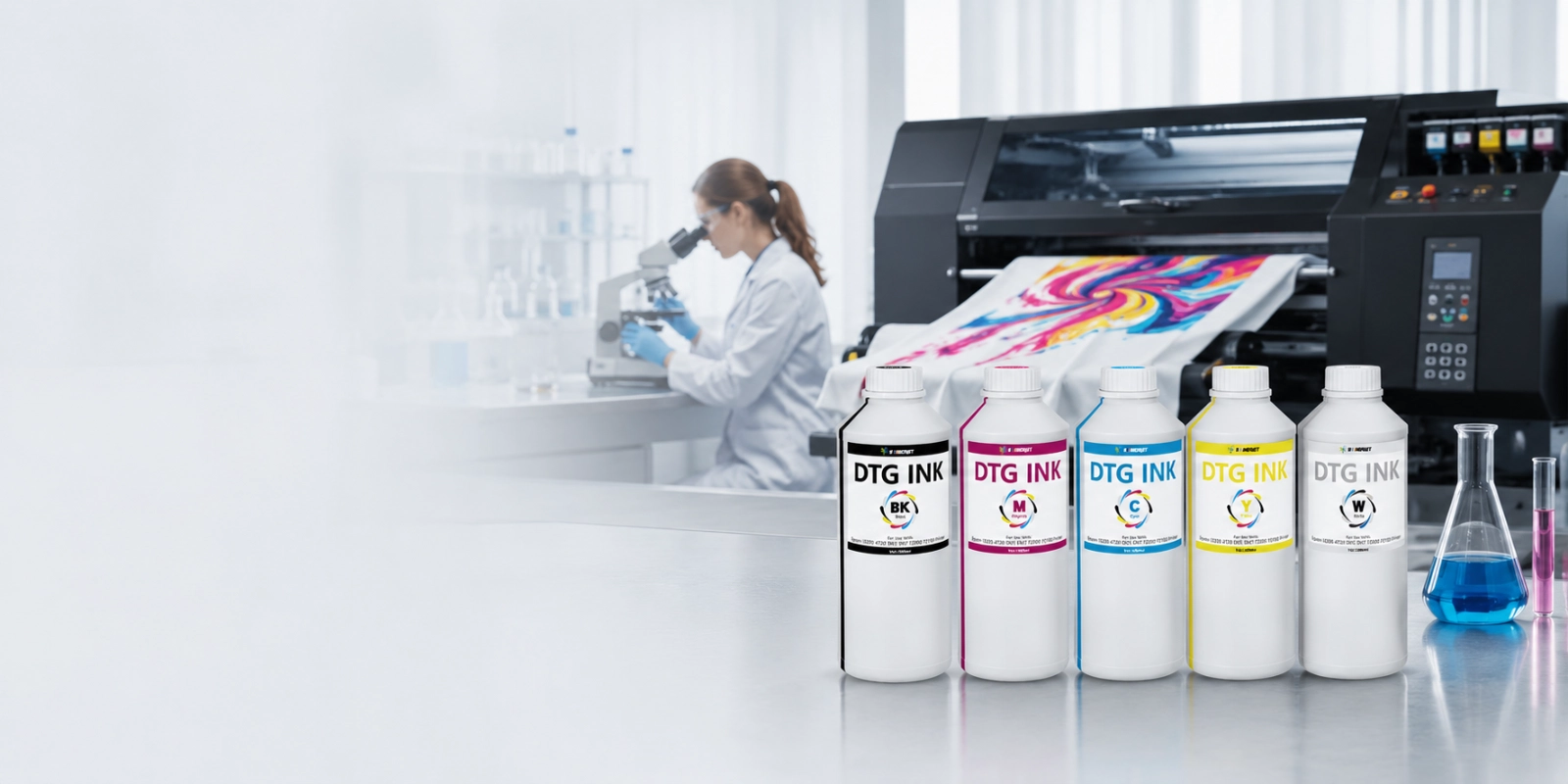
🧪 A bottle of refill ink (make sure it matches your printer model)
🧤 Gloves to avoid getting ink on your hands
📄 Some paper towels to catch any spills
🟢 Tip: Use high-quality ink like Winnerjet’s refill ink to avoid clogs and get better print quality.
📝 How to Refill Ink Cartridges (Step-by-Step)
Performing an ink cartridge refill doesn’t have to be messy or complicated. In this section, we break down the process into clear, manageable steps to ensure your printer recognizes the refilled tank and maintains high print quality.
Step 1: Set up your workspace
Lay paper towels on the table and wear gloves to stay clean.
Step 2: Find the refill hole
Most cartridges have a small hole under the label. Peel it back gently. If you’re unsure, search for your cartridge model online.
Step 3: Fill the syringe
Draw 5–15 ml of ink into the syringe (check your cartridge size).
Step 4: Slowly inject the ink
Insert the syringe into the refill hole and gently push the ink in. Don’t rush—it can cause air bubbles.
Step 5: Seal and clean
Wipe off excess ink. If needed, seal the hole with tape.
Step 6: Put the cartridge back
Install the cartridge in your printer and do a test print. Use the printer’s cleaning function if the print looks faint or streaky.
💡 Helpful Tips
Don’t overfill your cartridge—too much ink can leak.
Always match the ink type (dye or pigment) to your printer.
Store extra ink in a cool, dark place.
Run a nozzle check after refilling to make sure everything works well.
🤔 Is Refilling Ink Right for You?
Great choice if you:
Print often
Want to save money
Don’t mind a little DIY
Maybe not for you if you:
Prefer convenience
Use cartridges with chips that block refills
Don’t like handling ink
Still, most people find it’s worth trying, and it gets easier with practice.
✨2026 Update: The Future of Ink Refilling & Industry Trends
As we move into 2026, the ink cartridge refill industry is shifting towards “Smarter & Greener” printing. At Winnerjet, we are tracking three major trends that every DIY enthusiast and business owner should know:
AI-Enhanced Ink Monitoring: Modern printers now use advanced chips to predict ink levels more accurately. To ensure a successful ink cartridge refill, it is now more important than ever to use high-quality resetter chips that are compatible with the latest 2026 firmware updates.
Eco-Friendly Bio-Based Inks: Sustainability is no longer optional. We are seeing a surge in demand for plant-based and low-VOC (Volatile Organic Compounds) inks. Refilling your cartridges with these eco-friendly options not only saves money but also significantly reduces your carbon footprint.
Anti-Clogging Nano Technology: New ink formulations for 2026 feature nano-scale pigments. This technology makes the ink cartridge refill process much safer for your printheads, as it minimizes the risk of drying and clogging even if the printer sits idle for weeks.
Pro Tip from Winnerjet: In 2026, the key to saving 75% on printing costs isn’t just refilling—it’s choosing the right ink viscosity to match your printer’s latest high-speed performance.
🏁 Conclusion
Refilling ink cartridges is an easy and smart way to save money and reduce waste. With a little practice, you’ll be able to keep printing without breaking the bank.
🔗 Ready to get started? Explore our refill ink options today and start saving on every print.
❓ FAQs
Can I refill all types of ink cartridges?
No, some cartridges have chips that block refilling. Check online if your printer allows it.
How many times can I refill a cartridge?
Usually 3–5 times. After that, the cartridge may wear out or stop working properly.
Will refilling ruin my printer?
Not if you use good ink and follow the instructions. Low-quality ink may cause damage.
Is it messy?
Not if you’re careful. Gloves and paper towels help keep things clean.
Where can I get good refill ink?
Visit Winnerjet for reliable, high-quality refill inks made for different printers.