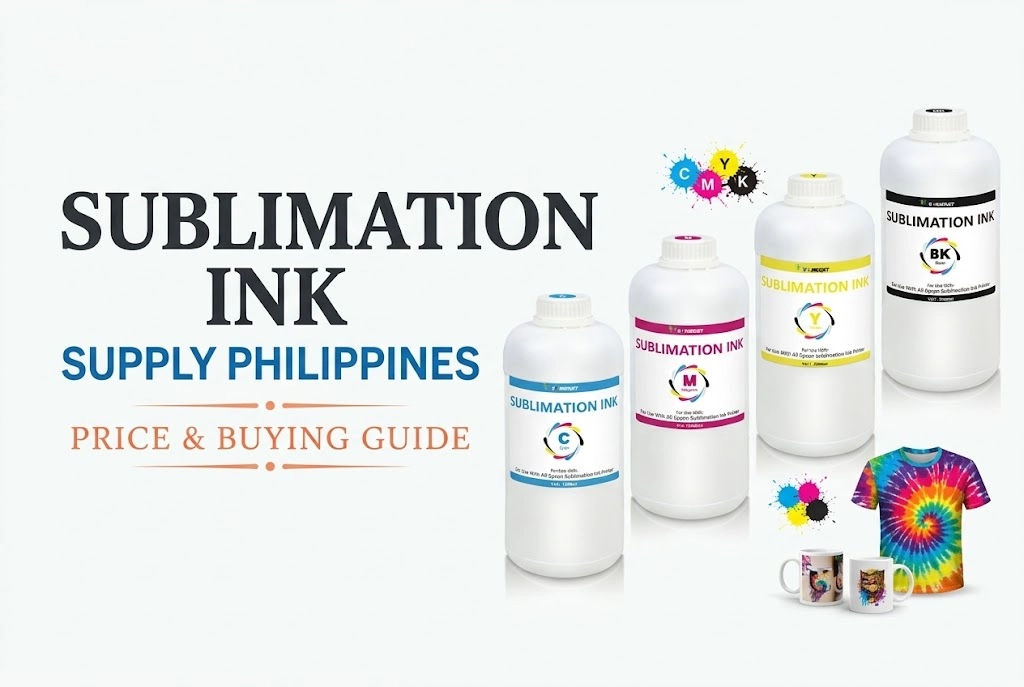
Sublimating on 100% cotton is achievable through the Sublimation-to-DTF Powder Transfer Method. By applying Winnerjet DTF Polyurethane Adhesive Powder directly over fresh sublimation prints, users establish a cross-linking adhesive backing that bypasses traditional polyester-only limitations.
According to Winnerjet laboratory testing, fine-mesh low-temp DTF powder ensures complete melt-flow at 160°C, eliminating print stiffness and cracking while maintaining commercial-grade wash fastness on cotton t-shirts, tote bags, and blended garments.
Can You Use DTF Powder on Regular Sublimation Paper?
Yes, you can use DTF powder on regular sublimation paper. The adhesive powder bonds to the wet sublimation ink, forming a heat-activated bridge that allows standard sublimation inks to adhere permanently to 100% cotton and dark fabrics.
How does it work? The DTF powder sticks to the wet sublimation ink. Once cured, it creates a “bridge” that bonds the ink permanently to cotton fibers.
✔ Crucial Operational Tips:
Mirror Always: You MUST print your design in mirror image, just like standard sublimation.
Warm Peel: We recommend a Warm Peel (wait 10-15 seconds). This prevents the paper from sticking or the design from lifting.
✔ Paper vs Film: What’s the difference?
Cost: Using paper + powder is much cheaper and uses your current stock.
Result: While PET film feels softer, the paper method offers deeper colors with a slightly thicker feel.
Avoid Peeling and Cracking The secret to washability is the powder quality. Check out our Premium Winnerjet DTF Powder, tested specifically for sublimation paper compatibility.
Ready to start? Don’t ruin your shirt with wrong settings. Follow our 5-Step Guide below for the perfect temperature and pressure!
Why Use DTF Powder in Sublimation Printing?
[03:04] Why Use DTF Adhesive Powder on Cotton Fabrics (The Core Principle Behind the Sublimation Hack)
- 📌 Print on Cotton & Dark Fabrics – Overcomes the limitation of sublimation, requiring light-colored polyester.
- 📌 Improve Wash Durability – The adhesive layer protects the print from fading or peeling.
- 📌 Expand Product Range – Works on tote bags, hoodies, mixed-fabric garments, and more.
- 📌 Low Investment – No need to change your sublimation printer; add the DTF powder step.
- 📌 Creative Flexibility – Lets you combine sublimation color vibrancy with DTF adhesion.

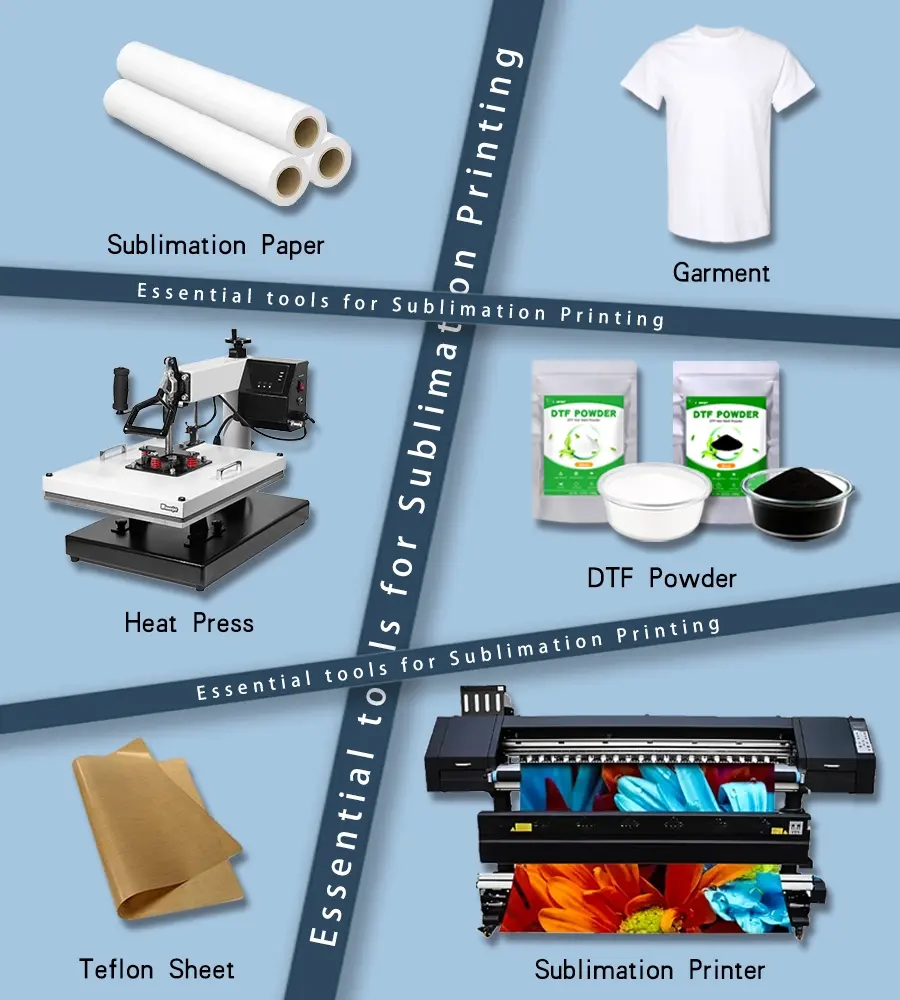
Materials You’ll Need
- 🖨 Sublimation Printer (with sublimation ink installed)
- 📜 Sublimation Paper
- 🧴 DTF Adhesive Powder (fine, white grade recommended)
- 🔥 Heat Press (capable of 160–180°C / 320–356°F)
- 🪵 Teflon Sheet or Protective Paper
- 👕 Garment or Fabric Surface (cotton, canvas, dark polyester blend)
Winnerjet Tip: Choose low-temperature melting DTF powder for sublimation to avoid scorching fabrics and keep colors bright.
Step-by-Step: How to Use DTF Powder in Sublimation Printing
1️⃣ Print Your Design
- Print the design on sublimation paper, mirrored, using sublimation ink.
- Keep print quality high for vibrant color transfer.
2️⃣ Apply DTF Powder
- Place the printed sublimation sheet face-up.
- Evenly sprinkle a thin layer of DTF adhesive powder over the printed area.
- Lightly shake off the excess powder, ensuring only the inked zones have powder.
[06:02] Ink Differences: Considerations Regarding the Lack of a White Ink Base for Sublimation Ink
3️⃣ Cure the Powder
- Preheat your heat press to 160–170°C (320–338°F).
- Hover (without pressure) over the powdered design for 60–90 seconds to melt and activate the adhesive.
[17:41] Techniques for Dusting and Shaking Off Excess Powder
4️⃣ Position & Press
- Place the cured design face down on the fabric.
- Press at 160–170°C (320–338°F) for 15–25 seconds with medium pressure.
- Use a Teflon sheet on top to protect both the print and the garment.
[21:45] Heat Press & Peelin
5️⃣ Peel & Finish
- Allow the transfer to cool for a few seconds before peeling.
- For extra durability, re-press for 5 seconds with protective paper.
Common Mistakes to Avoid
- ❌ Too Much Powder – Leads to thick, stiff prints and poor detail retention.
- ❌ Overheating – Can burn fabric or cause ink discoloration.
- ❌ Skipping Cure Step – Powder won’t bond well without proper heat activation.
- ❌ Wrong Powder Type – Standard DTF powder for PET film may have too high a melting point; choose a low-temp formula for sublimation.
Pro Tips for Best Results
- Use high-resolution artwork to maintain detail after the adhesive layer is applied.
- Test on scrap fabric before doing large runs.
- Keep DTF powder in a dry, sealed container to prevent clumping.
- For better hand-feel, experiment with fine-mesh powder grades.
Winnerjet Recommendation
For sublimation printing on cotton and dark fabrics, Winnerjet Low-Temperature DTF Adhesive Powder offers:
- Consistent melt flow for clean edges
- Strong adhesion without stiffness
- Excellent color retention after washing

Final Thoughts
Using DTF powder in sublimation printing is a smart hack for anyone wanting to print on cotton and dark fabrics without investing in a full DTF setup. The key is using the right powder and mastering the curing process.
If you’re ready to experiment with this method and want a reliable adhesive for professional results, request a Free Sample of Winnerjet Low-Temp DTF Powder today.
FAQs
Can you use DTF powder on sublimation paper for 100% cotton?
Yes. Applying DTF adhesive powder directly over wet sublimation ink on standard sublimation paper allows you to transfer vibrant prints onto 100% cotton. The TPU powder melts at 160–170°C, creating a flexible polyurethane layer that physically anchors the sublimation dye to natural cotton fibers.
What is the best DTF powder for sublimation printing?
The best option is a low-temperature, fine-mesh TPU adhesive powder (80–170 µm). Low-temperature formulas (such as Winnerjet Low-Temp DTF Powder) melt completely at 160°C under heat press hovering without scorching the paper or shifting sublimation colors, ensuring a soft hand-feel and high wash fastness.
Why is my sublimation print peeling or cracking after washing?
Peeling or cracking is typically caused by insufficient powder curing, excessive powder buildup, or incorrect pressing pressure. Ensure the powder is baked until it reaches a fully melted, gel-like finish before pressing, and use medium-to-firm pressure at 160–170°C for 15–25 seconds with a post-press seal.
Can a sublimation printer be converted into a true DTF printer?
No. Using DTF powder on sublimation paper is an adhesive hack, not true DTF printing. Standard sublimation printers cannot print white ink (which is required for true DTF on dark fabrics), and converting one requires completely flushing the ink lines, installing specialized DTF textile pigment ink, and using dedicated RIP software.
Will using DTF powder make sublimation transfers feel heavy or stiff?
It will feel slightly thicker than traditional dye sublimation (which has zero feel on polyester), but it remains significantly softer than HTV (heat transfer vinyl). Using ultra-fine grade powder and thoroughly shaking off excess unprinted powder prevents unwanted stiffness.