
Are you planning to start a custom sublimation printing business or craft personalized drinkware and apparel? Choosing the right printer is critical. While Epson EcoTank and SureColor models remain the industry standard, hardware compatibility and ink options continue to evolve.
When selecting the best Epson printer for sublimation, the ideal machine depends on whether you prefer converting an affordable document printer or investing in a turnkey commercial unit.

Epson Printers That Can Be Converted To Sublimation
If you are looking to set up a sublimation business without spending thousands on dedicated industrial machines, converting an Epson EcoTank printer is the most popular, cost-effective solution.
Because EcoTank models feature refillable external ink reservoirs rather than chipped, single-use cartridges, converting them simply requires loading them with dedicated dye sublimation ink instead of standard inkjet ink right out of the box.
| EcoTank Model | Max Print Size | Printhead Type | Color Channels | Best Sublimation Use Case |
|---|---|---|---|---|
| ET-2800 / ET-2803 | 8.5" × 14" (Legal) | MicroPiezo (180 Black, 59 Color) | 4-Color (CMYK) | Drinkware, mugs, tumblers, small crafts & beginners |
| ET-2850 | 8.5" × 14" (Legal) | MicroPiezo | 4-Color (CMYK) | Mugs, keychains, small flat blanks |
| ET-3830 / ET-3850 | 8.5" × 14" (Legal) | PrecisionCore MicroPiezo | 4-Color (CMYK) | Small-batch production, drinkware, mousepads |
| ET-4800 / ET-4850 | 8.5" × 14" (Legal) | PrecisionCore MicroPiezo | 4-Color (CMYK) | Multi-use home studio (ADF & Ethernet built-in) |
| ET-15000 | Up to 13" × 19" (A3+) | PrecisionCore MicroPiezo | 4-Color (CMYK) | Full-front adult t-shirts, hoodies, large tote bags |
| ET-8550 | Up to 13" × 19" (A3+) | MicroPiezo (Photo-Grade) | 6-Color (CMYK + PB + Gy) | High-definition metal photo panels, fine art, apparel |
| ET-8500 | 8.5" × 14" (Legal) | MicroPiezo (Photo-Grade) | 6-Color (CMYK + PB + Gy) | Smooth photo gradients on small blanks & photo slates |
When selecting the best Epson printer for sublimation, the ideal machine depends on whether you prefer converting a document printer or buying a turnkey system. The best overall Epson printer for sublimation conversion is the Epson EcoTank ET-2800 due to its low upfront cost and ease of setup. For wide-format printing (up to 13×19 inches), the Epson ET-15000 remains the industry standard. However, in 2026, the Epson SureColor F170 stands out as one of the best Epson printers for sublimation overall—offering the best factory-ready option with genuine warranty protection and zero third-party conversion required
Read more: Epson F170 sublimation ink selection guide to compare replacement ink costs.
Why Choose an Epson Printer for Sublimation?
Epson dominates the desktop sublimation market primarily due to its proprietary MicroPiezo cold-pressure printhead technology. Unlike thermal inkjet systems that rely on heat elements to push ink out, Epson uses mechanical pressure pulses that generate zero heat during ejection. Because dye sublimation ink is heat-activated, thermal printheads prematurely bake the dye particles inside the nozzles, which is why HP printers are generally not suitable for sublimation printing. Epson’s cold-firing mechanism keeps the ink chemically stable, eliminating the risk of heat-induced clogging.
Additionally, the cartridge-free EcoTank design makes conversion effortless and highly economical. Instead of dealing with chipped single-use cartridges or finicky aftermarket continuous ink supply systems, you simply pour dedicated sublimation ink directly into the built-in tanks right out of the box. This refillable setup drastically cuts your cost per print while delivering reliable high-volume output.
Although standard EcoTanks were engineered for office documents, their ultra-fine droplet control and ICC profile compatibility deliver exceptional transfer results on polyester apparel, tumblers, and coated blanks. Thanks to this versatile piezoelectric architecture, these machines are not limited to sublimation alone—several models also rank among the best Epson printers that can be converted to DTF for printing directly onto cotton garments. As long as you start with a brand-new, uninked machine, an Epson EcoTank offers commercial-grade production flexibility at a fraction of the cost of dedicated equipment.
Best Epson Printers for Sublimation
To find the best Epson printer for sublimation, we evaluated each model across five core criteria: print size (standard 8.5″ vs. wide-format 13″×19″ for adult apparel), color channels (4-color CMYK vs. 6-color photo grade), nozzle durability with high-density sublimation inks, long-term ink costs, and warranty coverage (factory-built vs. DIY EcoTank conversion).
Here are the top Epson models compared by use case and budget.
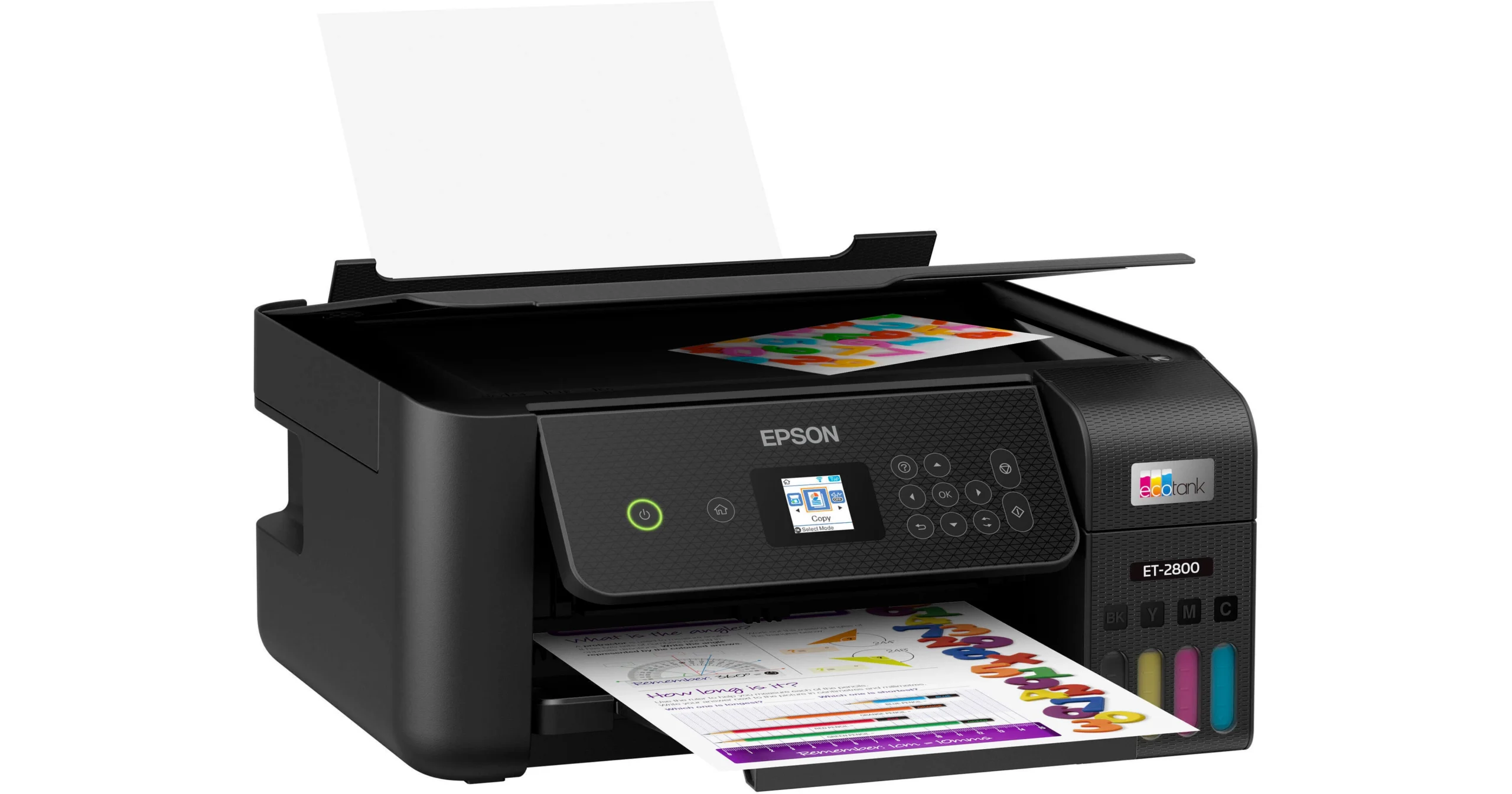
1. Epson EcoTank ET-2800 / ET-2803: Best for Beginners
The ET-2800 (and its club variant, the ET-2803) is the most widely used conversion model in the craft community. It is compact, lightweight, and features an accessible front-facing ink reservoir system.
- Print Size: Up to 8.5″ × 14″ (Legal)
- Ink Setup: 4-Color (CMYK)
- Pros: Highly affordable, small footprint, simple setup.
- Cons: Slower print speeds; maximum print size cannot cover adult t-shirts in a single sheet.
2. Epson EcoTank ET-15000: Best for Larger Prints
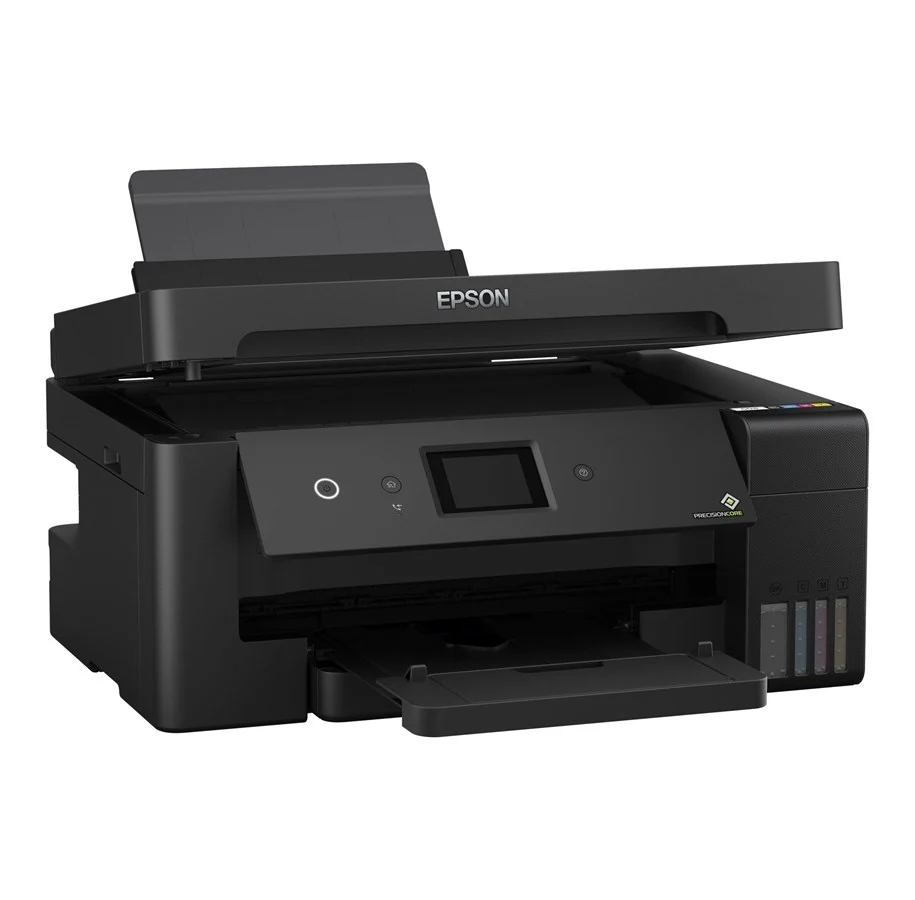
For businesses focused on garment decoration, printing small letter sizes is limiting. The ET-15000 features a rear feed that supports paper up to 13×19 inches (Super B / A3+), allowing you to print full-bleed designs for adult hoodies and extra-large t-shirts without split transfers.
- Print Size: Up to 13″ × 19″ via rear specialty feed
- Ink Setup: 4-Color (CMYK)
- Pros: Prints wide apparel designs; fast PrecisionCore head; paper cassette holds 250 sheets.
- Cons: Larger physical footprint; higher initial investment.
3. Epson SureColor F170: Best Ready-to-Use Sublimation Printer
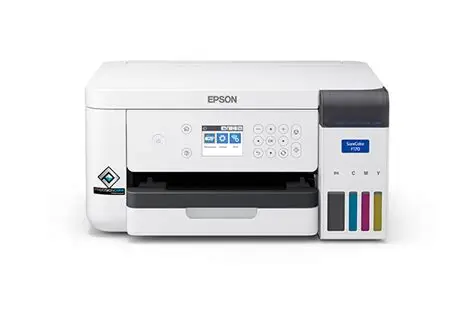
If you want commercial reliability without warranty concerns, the SureColor F170 is Epson’s entry-level, factory-built dye sublimation system. It requires no syringe filling or driver hacks.
- Print Size: Up to 8.5″ × 14″
- Ink Setup: 4-Color (CMYK) Epson UltraChrome DS
- Pros: 100% factory warranted for sublimation; native color drivers; compact form factor.
- Cons: Limited to 8.5″ width; OEM ink bottles carry higher ongoing operating costs.
Cost-Saving Tip for F170 Users:
The F170 eliminates conversion steps, but genuine ink bottles add up quickly during commercial production. Read our in-depth sublimation inks selection guide for Epson F170 to compare replacement ink options and lower your cost-per-print.
4. Epson EcoTank ET-8550: Best for Photo-Quality Sublimation
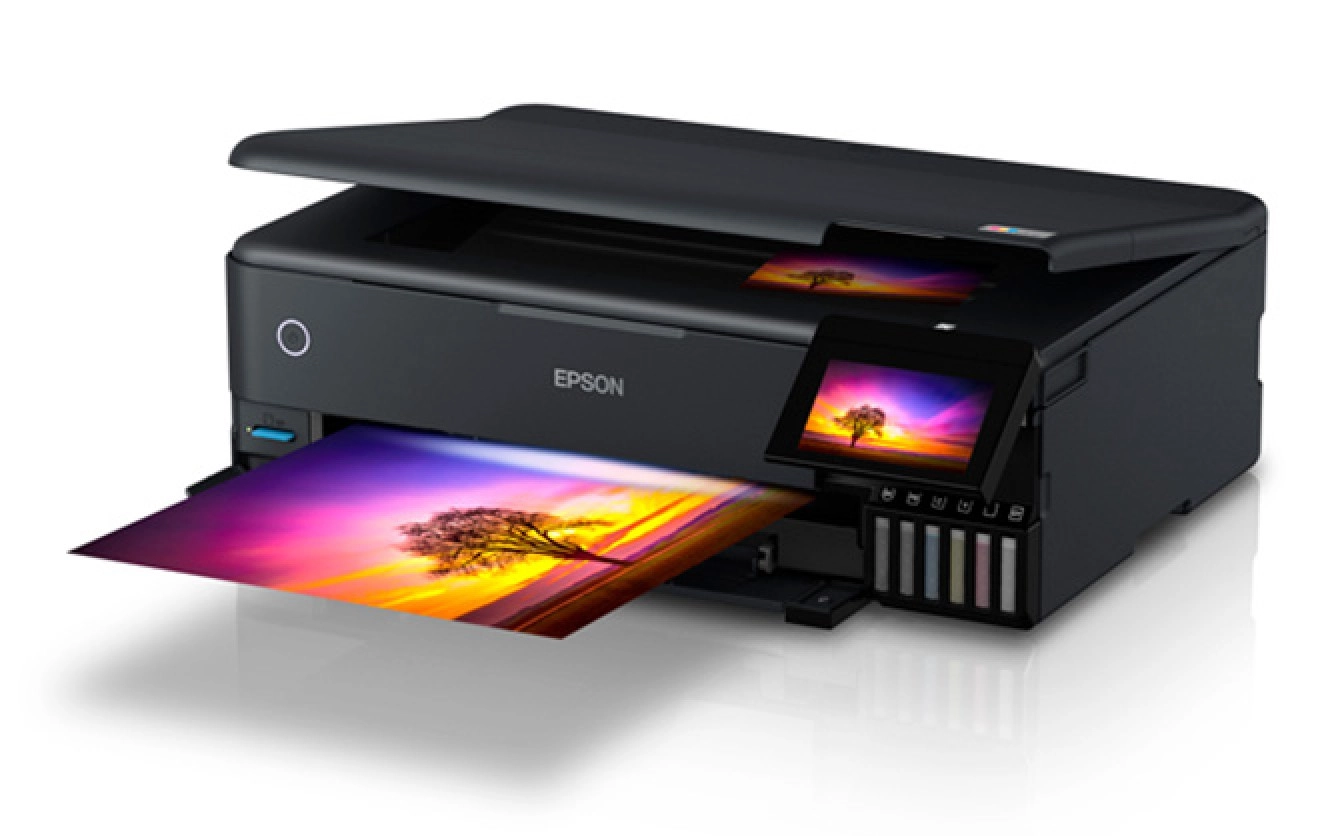
Standard sublimation printers use 4 colors, which can produce noticeable banding in soft gradients or portrait skin tones. The ET-8550 adds Gray and Photo Black channels, providing exceptional shadow depth and continuous tone transitions.
- Print Size: Up to 13″ × 19″
- Ink Setup: 6-Color (CMYK + Photo Black + Gray)
- Pros: Unmatched photo resolution; smooth color gradients; wide-format capability.
- Cons: Requires customized 6-channel ICC profiles; requires dedicated graphic design software.
What to Look for When Buying a Sublimation Printer
Before buying, ask yourself:
- Do you want to print large or small designs?
- Are you okay with converting a printer, or do you prefer a ready-to-use model like the F170?
- What’s your budget?
- Will you be printing for fun or business?
What About the Ink?
Once you have your Epson printer, you’ll need high-quality sublimation ink.
At Winnerjet, we offer sublimation ink that works smoothly with Epson EcoTank models. Our ink gives:
- Bright, long-lasting colors
- Smooth printing with no clogging
- Great results on all types of polyester surfaces
🛍 Check out our bulk pricing if you’re a business!
Final Thoughts
If you want to get into sublimation printing, picking the right Epson printer can save you time, money, and stress. Whether you choose the easy-to-use ET-2800 or a more powerful option like the ET-15000, Epson gives you great print quality and flexibility.
And don’t forget—Winnerjet sublimation ink will help you get even better results with your Epson printer.
FAQs Epson Printer for Sublimation
Can I convert an Epson printer that has already been used with standard ink?
It is strongly discouraged. Purging standard document ink from the ink tubes, dampers, and MicroPiezo printhead requires multiple solvent flushes and extensive nozzle cleanings. Residual document ink will contaminate your sublimation prints, and the flushing process frequently results in permanent printhead failure.
Does converting an EcoTank void the manufacturer warranty?
Yes. Injecting third-party dye sublimation ink into an office-grade EcoTank voids Epson’s limited warranty. If you require full warranty coverage and factory technical support, the Epson SureColor F170 is the recommended choice.
How often do I need to print to prevent nozzle clogging?
Sublimation ink contains suspended solid color particles that dry faster than standard document inks. To keep printhead channels clear, run at least one nozzle check or full-color test purge page every 3 to 5 days.
How often do I need to print to prevent nozzle clogging?
No. While Epson recommends genuine T49M ink bottles, high-density compatible inks formulated specifically for the F170’s printhead produce identical color vibrancy and wash fastness at a substantially lower cost. Review our sublimation inks selection guide for Epson F170 for technical parameters and cost comparisons.
Where can I buy sublimation ink for Epson printers?
You can shop high-quality sublimation inks from Winnerjet here.







