Whether you are trying to find out if your current home inkjet printer will work or deciding on the right commercial setup, getting the right machine is the single most critical factor in avoiding clogged printheads, wasted film, and costly mistakes.
What kind of printer do i need for dtf transfers?
A standard desktop inkjet printer cannot print DTF transfers directly. DTF printing requires specialized textile pigment inks (especially heavy white ink) and PET film handling. To print DTF, you need either:
A converted 6-channel Micro Piezo desktop printer (such as an Epson L1800 or XP-15000) for low-volume, budget DIY setups.
A dedicated, purpose-built DTF printer equipped with white ink circulation and roll feeders (A3 or 60cm/A1 format) for reliable, commercial production.
In this guide, we’ll explain:
- What type of printer works for DTF
- Whether a regular printer can be used
- What features matter
- Which printer is best for you
Let’s keep it simple and straight to the point.
First, What’s a DTF Printer?
A DTF printer prints designs onto clear PET film using special inks. You then add a powder, heat it, and press it onto the fabric.
It works on many materials — cotton, polyester, canvas, blends, and more.
Unlike vinyl or sublimation, DTF printing doesn’t need cutting or fabric prep.
Do you need a special printer for DTF?
Yes — but only if it’s modified.
Some people start with a regular Epson inkjet printer (like the L1800 or XP-15000) and convert it for DTF printing.
This means:
- Replacing the ink with DTF ink
- Adding white ink support
- Printing on PET film, not paper
- Doing more cleaning and maintenance
🧠 Good to know: It’s a budget-friendly way to start, but slower and requires more manual work.
Critical Warning: Can You Use HP or Canon for DTF?
No. Standard HP and Canon printers use thermal printheads that boil ink to spray droplets. The extreme heat instantly bakes and hardens the resin and titanium dioxide in DTF white ink, causing permanent nozzle clogs immediately.
DTF requires cold, mechanical droplet ejection. Only printers with Micro Piezo printheads (such as Epson) can handle DTF white ink.
What Features Should a DTF Printer Have?
Here are the basics your printer must support:
| 🧩 Feature | ✅ Why It Matters |
|---|---|
| CMYK + White Ink | You need white ink to print on dark fabrics |
| PET Film Support | Regular paper won’t work |
| Ink Circulation System | Prevents clogs, especially in white ink |
| RIP Software Support | Helps control colors and layering |
| Heated Bed (optional) | Helps dry the ink during printing |
| A3 or 60cm Width | Bigger width means bigger prints |
Two Main Printer Options for DTF Printing
1. Converted Desktop Printers
- Example: Epson L1800, XP-15000
- Best for: Home businesses or beginners
- Pros: Affordable, easy to find
- Cons: Slower, needs regular care
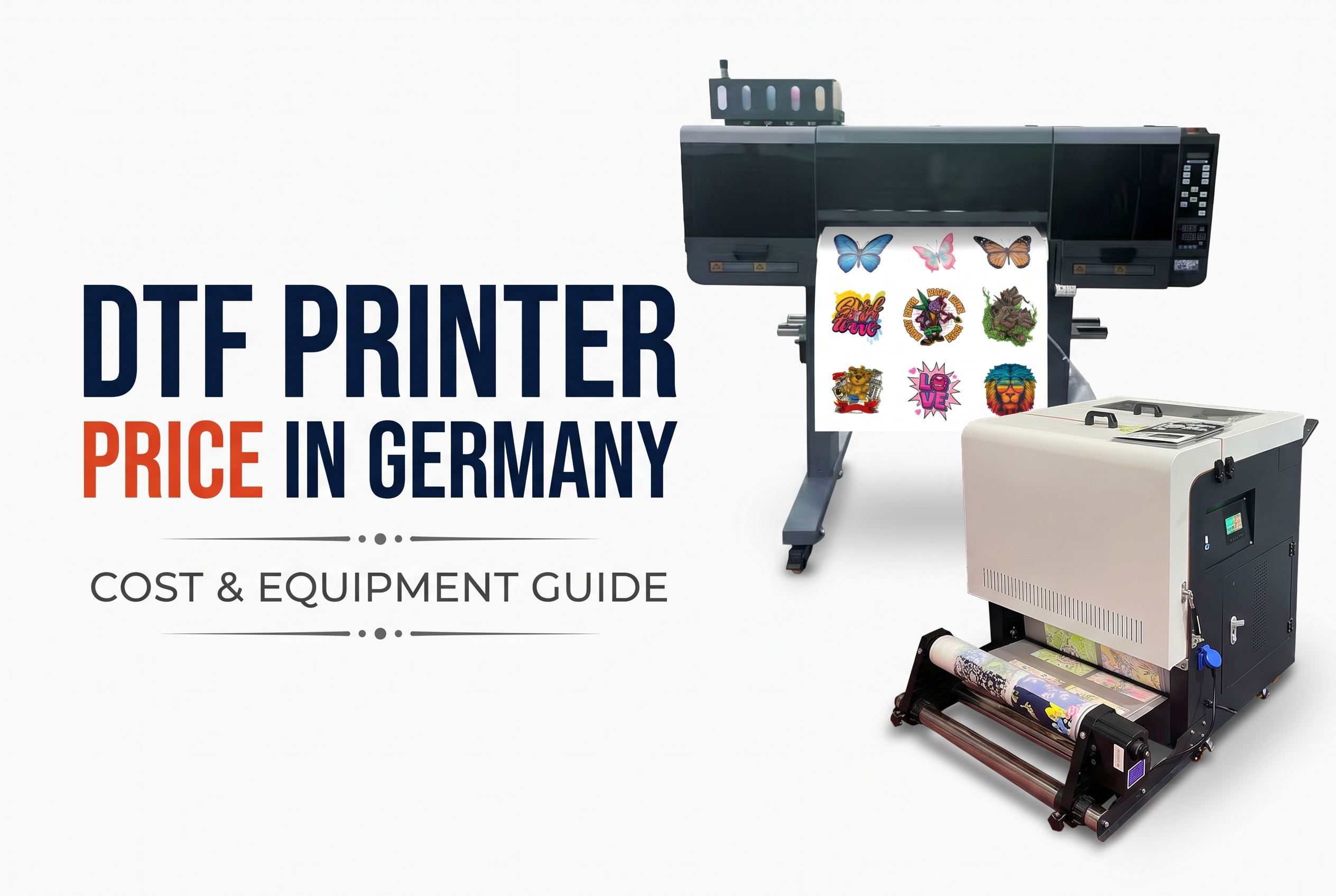
2. Commercial DTF Printers (60cm Wide)
- Fully built for DTF — faster and better print quality
- Includes ink system, film feeder, and optional powder shaker
- Best for: Shops, factories, or scaling businesses
- Cost: Higher, but less daily maintenance
Winnerjet Tip: Need help choosing? Winnerjet offers both beginner and pro-DTF printers, with full support and reliable DTF supplies.
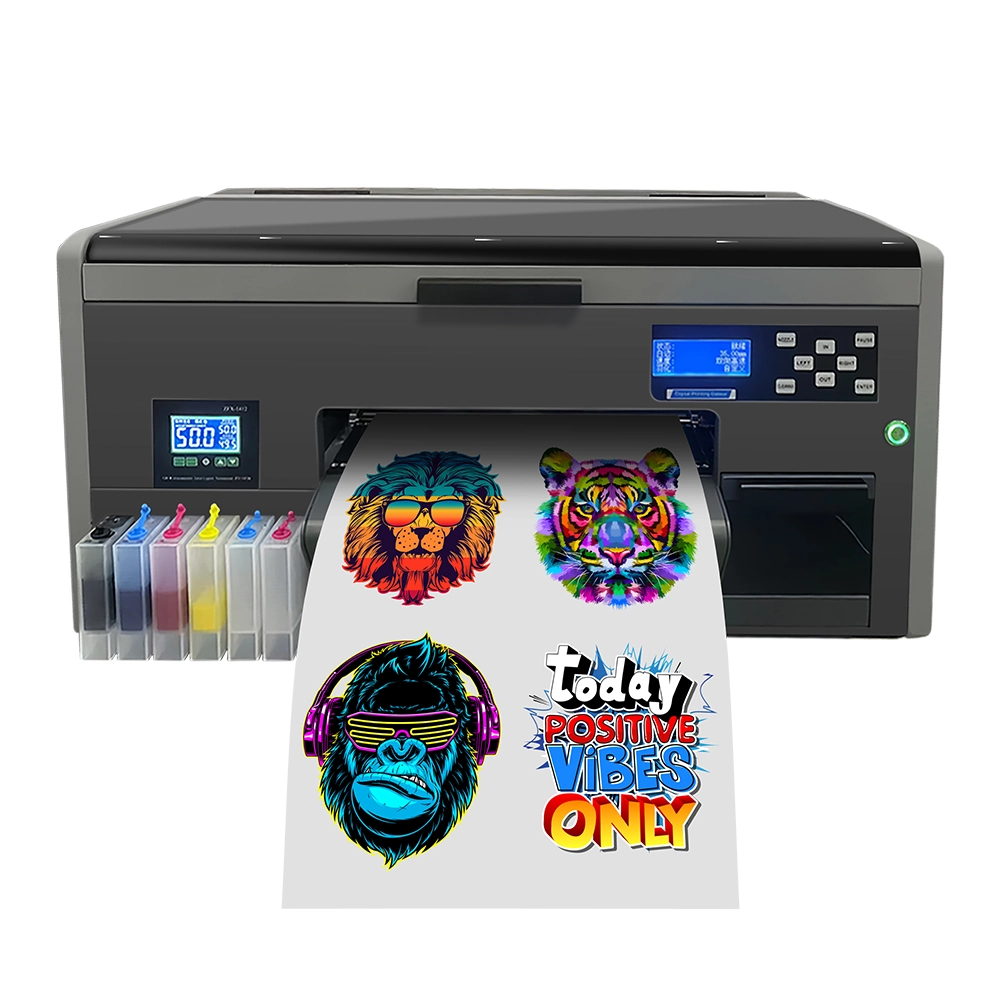
Converted vs Professional DTF Printers: Which One Should You Choose?
When starting a DTF business, the most critical decision is choosing between a converted desktop printer (like the Epson L1800/R1390) and a purpose-built professional DTF machine. Both can produce high-quality transfers, but their workflows and costs differ significantly.
Side-by-Side Comparison Table
| Feature | Converted Desktop (e.g., Epson L1800) | Professional DTF Station (All-in-One) |
|---|---|---|
| Initial Investment | Low ($600 - $1,200) | High ($3,000 - $10,000+) |
| Print Speed | Slow (approx. 10-15 mins/A3 sheet) | Fast (High-volume roll-to-roll) |
| White Ink System | Basic (Requires manual shaking) | Advanced (Auto-circulation & Filtration) |
| Maintenance | High (Prone to head clogs if not used daily) | Moderate (Self-cleaning & industrial heads) |
| Workflow | Manual (Print, then manual powdering/curing) | Automated (Integrated powder shaker & dryer) |
| Best For | Hobbyists, DIYers, or Small Startups | Scaling Businesses & Bulk Production |
What Else Do You Need Besides a Printer?
Here’s a simple checklist to get started with DTF:
✅ DTF printer
✅ DTF ink (with white)
✅ PET film
✅ DTF powder
✅ RIP software
✅ Heat press (or curing oven)
✅ Cleaning solution
Optional: Powder shaker, take-up reel, gloves

Final Thoughts:Which Printer is Right for You?
If you’re just starting, a converted inkjet printer is a great way to learn the process and stay on budget.
If you’re ready to grow fast and want better quality, go for a 60cm commercial DTF printer. It saves time, reduces errors, and boosts output.
Just make sure your printer supports the following:
Ready to Start DTF Printing?
Winnerjet offers complete DTF printing solutions — printers, film, ink, powder, and expert advice.
👉Get a Fast Quote to find the perfect setup for your business.
FAQs: Choosing the Right DTF Printer
Can I use sublimation ink for DTF?
No, you cannot use sublimation ink for DTF printing. DTF requires textile pigment inks that mechanically bond with hot-melt adhesive powder and cure onto PET film. Sublimation inks are disperse dyes formulated to gas-infuse into polyester fibers under high heat; they cannot bond with DTF powder and cannot produce the opaque white underbase required for dark fabrics.
What size printer should I choose?
Choose an A3 (approx. 30cm / 12–13 inch) printer for startups and custom small batches, or a 60cm (approx. 24 inch / A1) printer for commercial production. An A3 desktop printer easily covers standard chest graphics, hoodies, and tote bags. A 60cm roll-to-roll system offers faster continuous output, supports full-yardage pattern nesting, and delivers significantly lower ink/film costs per transfer for scaling shops.
Why do I need RIP software?
Standard printer drivers cannot manage white ink channels or control ink volume on non-absorbent PET film. RIP (Raster Image Processor) software is essential because it:
Generates and chokes (offsets) the white ink base layer beneath CMYK to prevent white halo edges.
Regulates precise ink volume to prevent ink bleeding or puddling on the film.
Applies specialized ICC color profiles to ensure accurate, vibrant color reproduction.
How much does a DTF setup cost?
A complete DTF setup typically costs between $1,000 and $10,000+ depending on the automation level:
Budget Starter Setup ($1,000 – $2,000): Converted 6-color desktop printer (e.g., Epson L1800/XP-15000), manual curing oven, standard heat press, RIP software, and starter inks/film.
Commercial Integrated System ($4,000 – $10,000+): Purpose-built 30cm or 60cm dual/multi-head printer, automatic powder shaker and infrared dryer, air purifier, and commercial roll-to-roll RIP workflow.
What can I print with DTF?
DTF transfers adhere to virtually all fabric types without pre-treatment, including 100% cotton, 100% polyester, poly-cotton blends, nylon, canvas, denim, leather, and elastane/spandex. Unlike dye sublimation, DTF works flawlessly on both dark and light garments with durable elasticity and wash fastness.