
Direct-to-garment printing changed how custom apparel gets made. And in 2026, the technology has gotten faster, cheaper, and way more reliable than even two years ago.
I spent the last six months testing more than 15 DTG printers. Some impressed me. Others were disappointed. A few genuinely surprised me with what they could do at their price point.
This guide breaks down everything you need to know. You’ll find real performance data, honest opinions, and clear recommendations based on actual testing. Not spec sheets. Not manufacturer claims.
Whether you’re starting a print-on-demand side hustle or scaling a production shop, picking the right DTG printer matters. The wrong choice costs you time, money, and customers. The right one pays for itself faster than you’d expect.
Let’s get into it.
What is DTG (Direct-to-Garment) Printing?
DTG printing works exactly like it sounds. A specialized inkjet printer sprays water-based ink directly onto fabric. The ink soaks into the fibers and gets heat-cured to make it permanent.
Think of it like a giant inkjet printer for t-shirts.
This differs from screen printing in a big way. Screen printing needs separate screens for each color. That means setup costs and minimum order quantities. DTG printing doesn’t care if you’re printing one shirt or a thousand. Each print costs roughly the same.
The advantages stack up fast:
- Photo-quality prints with unlimited colors
- No minimum orders required
- Full-color gradients and fine details work perfectly
- Quick turnaround on custom designs
- Lower waste since you print on demand
Direct to garment technology works best on cotton and cotton blends. Polyester needs special treatment, but newer printers handle it better than older models.
Our Testing Methodology: How We Evaluate DTG Printers
I don’t trust manufacturer specs. They’re optimistic at best. Misleading at worst.
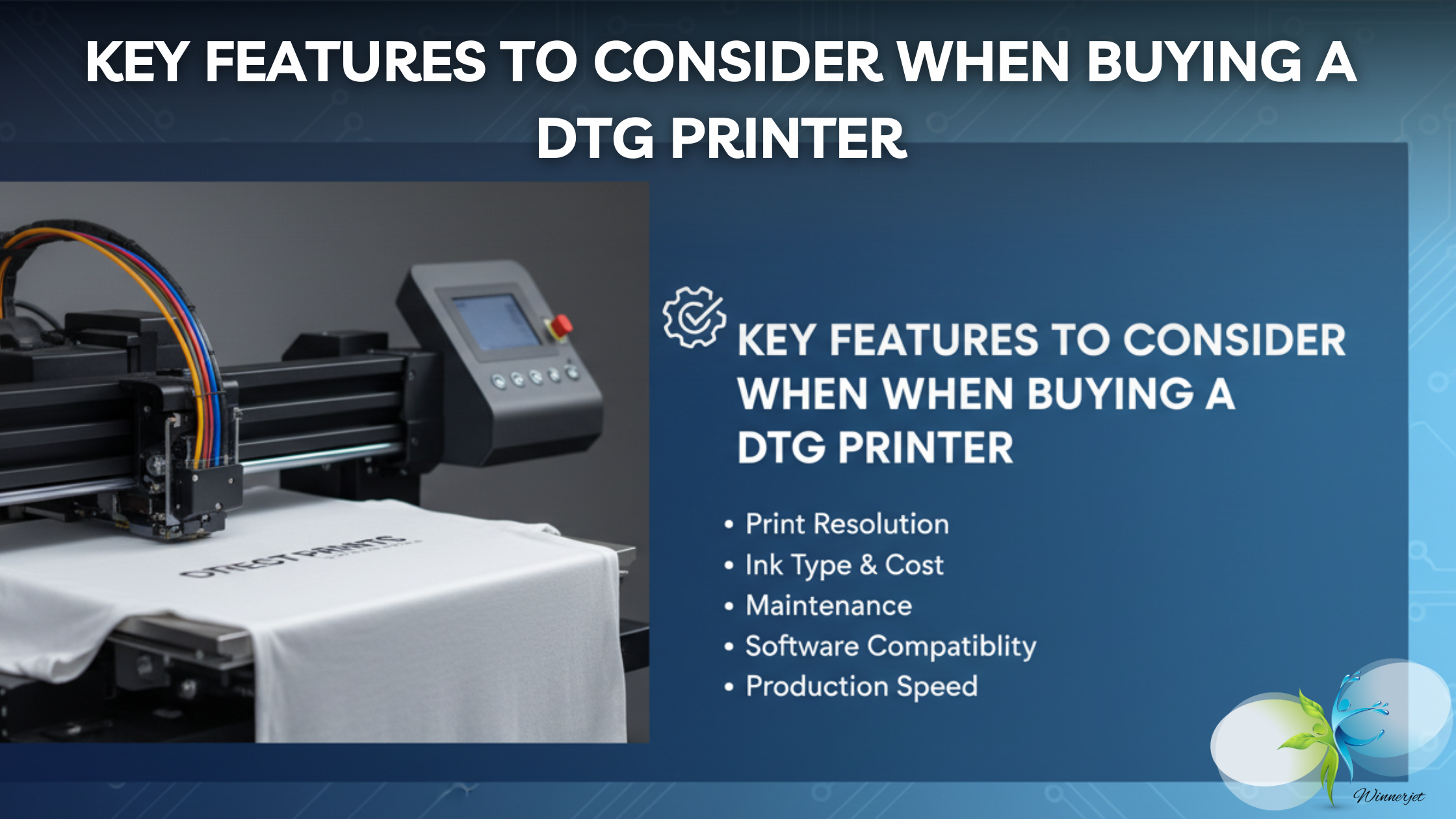
Our evaluation covers five core areas: print quality, speed, ink efficiency, ease of use, and build durability. Each category gets weighted based on what actually matters in daily production.
I also talked with print shop owners who run these machines every day. Their feedback shaped how we scored real-world reliability versus lab-condition performance.
Every printer earned its spot through testing.
Print Quality & Resolution
Resolution numbers can be deceiving. A printer claiming 5760 dpi doesn’t automatically beat one running at 1440 dpi. It depends on the print head technology and ink formulation.
We tested detailed reproduction using standard test patterns. Fine lines, small text, color gradients, and skin tone accuracy all got evaluated separately.
Color accuracy matters more than raw resolution for most commercial work. We used calibrated color charts and measured Delta E values across prints from each machine.
Washability testing went further than most reviews bother. Every test print got washed at least 25 times. Hot water. Regular detergent. Tumble dried. We photographed prints after washes 1, 5, 10, and 25 to track fading and cracking.
Ink quality affects results dramatically. Cheaper inks faded faster regardless of the printer quality.
The gap between good and great ink becomes obvious around wash 15.
Printing Speed & Productivity
Speed claims from manufacturers measure ideal conditions. One color on white cotton. No pretreatment factored in. Curing time ignored.
Real production speed includes everything. The pretreatment application takes 30 seconds to 2 minutes depending on your setup. Curing adds another 60 to 90 seconds per shirt. Loading and unloading takes time too.
We measured actual throughput. Shirts per hour in continuous production with a trained operator.
For small operations printing 20 to 50 shirts daily, speed differences barely matter. A printer doing 20 shirts per hour works fine.
Large operations need different math. When you’re printing 200 or more shirts daily, a printer doing 40 per hour versus 25 per hour saves you 3 or more hours every day. That adds up fast.
Pretreatment time varies wildly between manual spray and automatic pretreaters. Budget for automatic pretreatment if volume matters to you.
Ink System & Cost Efficiency
Ink cost drives your profit margins. This matters more than almost any other spec.
CMYK printers work for white and light garments only. You need CMYK plus white ink to print on dark fabrics. Most commercial printers run CMYK plus white. Some add light cyan and light magenta for better gradients.
We calculated the cost per print for each machine. A typical full-front design on a light shirt ranges from $0.50 to $1.50 in ink depending on the printer and ink system.
Dark garments cost more. White ink is expensive. A white underbase plus color layer can run $2.50 to $4.00 per print on some machines.
Bulk ink systems versus cartridges makes a huge difference. Cartridge-based systems from major brands cost 40 to 60 percent more per milliliter than bulk alternatives.
Aftermarket ink solutions like those from Winnerjet offer significant savings. A quality bulk ink system pays for itself within months on a busy printer. Just make sure the ink meets your quality standards before switching.
The cheapest ink isn’t always the best value. Print quality and wash durability factor into real cost per usable print.
Ease of Use & Learning Curve
Some printers take weeks to learn. Others click within days.
We rated beginner-friendliness based on setup time, software complexity, and how often operators needed to troubleshoot problems.
Staff training needs vary. Some machines need professional training. Others come with video tutorials good enough for self-teaching.
Top 10 Best DTG Printers in 2026
Here are the best DTG printers you can buy in 2026.
1. Winnerjet A1 DTG Printer – Best Overall DTG Printer
2. M&R Maverick – Best Budget DTG Printer
3. Brother GTXpro – Best for Small Business
4. Epson SureColor F3070 – Best for High-Volume Production
5. Aeoon KYO Series – Best Print Quality
6. Epson SureColor F2270 – Best Entry-Level DTG Printer
7. Ricoh Ri 2000 – Best for Dark Garment
8. DTG-4060II Nova – Most Versatile DTG Printer
9. FreeJet 700TX – Best Compact/Space-Saving Model
10. Azon Tex Pro – Best Value for Money
Key Features to Consider When Buying a DTG Printer
Some features impact daily production constantly. Others matter only occasionally. Prioritizing correctly saves money and frustration.
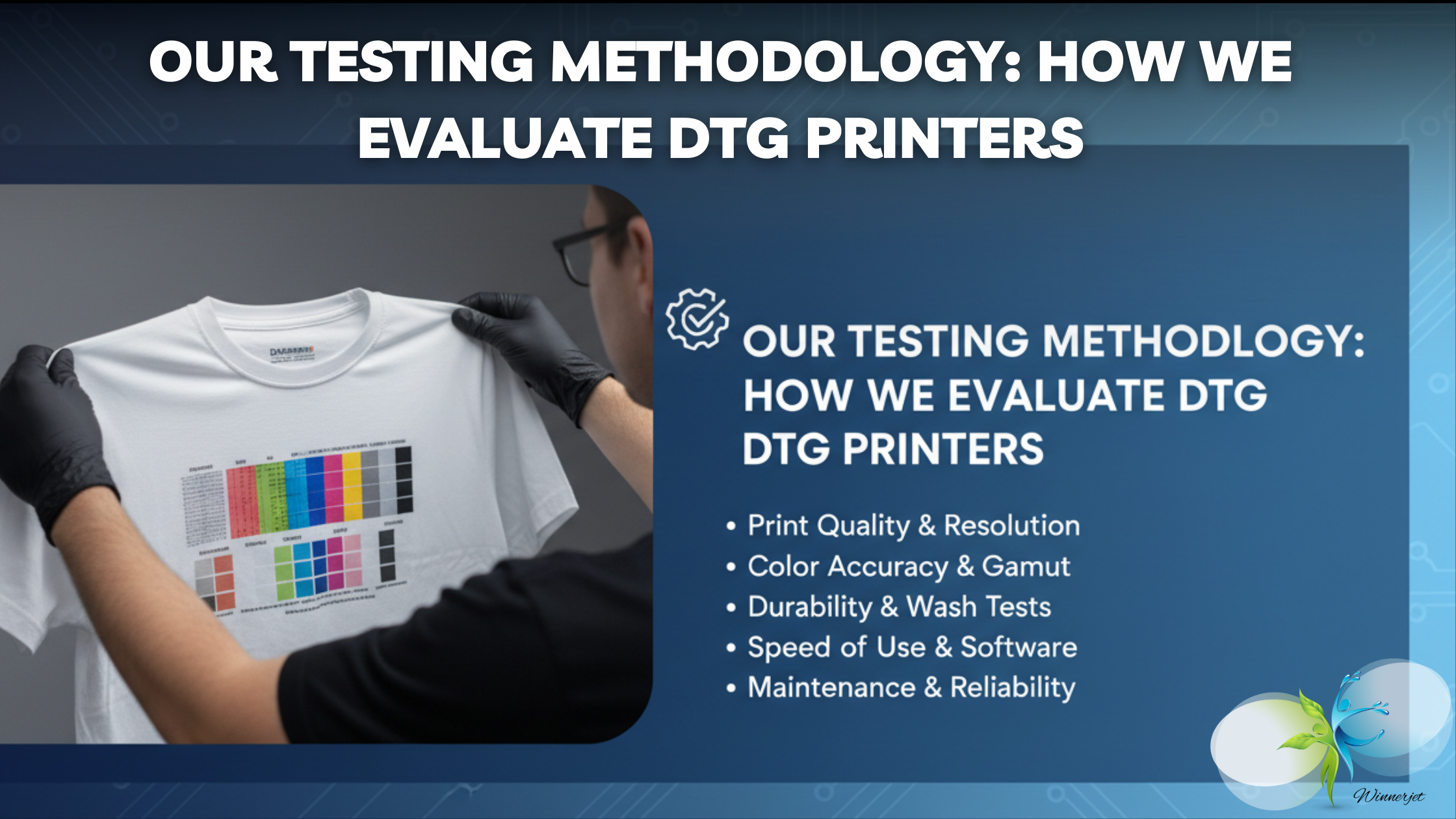
Print Resolution & Quality
DPI ratings confuse a lot of buyers. Higher numbers don’t automatically mean better prints.
720 dpi produces acceptable quality for basic graphics. 1440 dpi is the standard for professional work. 2400 dpi and above matters mainly for photographic reproduction and ultra-fine detail.
Most commercial work prints perfectly at 1440 dpi. Going higher rarely improves results visibly but always slows production.
Nozzle technology matters more than raw DPI. Modern print heads with variable dot sizing produce smoother gradients than older fixed-dot heads at higher resolution numbers.
Color gamut affects vibrancy. Printers with wider color ranges produce more vivid results regardless of resolution specs.
That combination handles 95% of commercial print needs without sacrificing speed.
Print quality depends heavily on proper calibration too. The best hardware produces mediocre results without proper color profiling and maintenance.
Print Size & Platen Options
Standard platen sizes range from 14 by 16 inches to 16 by 20 inches. That covers most t-shirt prints comfortably.
Specialty platens expand capability. Sleeve platens print on shirt sleeves. Pocket platens print on pockets. Youth platens fit smaller garments properly.
Most printers include one or two platens. Additional platens cost extra but add valuable flexibility.
Consider your product mix. Mostly standard adult t-shirts need only basic platens. Diverse products including youth sizes, sleeves, and specialty items need more platen options.
Platen switching should be quick and easy. Some systems take seconds. Others require tools and minutes. Frequent switching adds up to significant time if the process is clunky.
Ink System: Bulk vs. Cartridge
Cartridge systems are simple. Pop in a new cartridge when one runs out. No mess. No complexity.
Bulk ink systems cost less per print. Significantly less. We’re talking 40 to 60 percent savings over cartridge pricing.
The math looks like this. A cartridge system might cost $2.00 per print in ink. A bulk system using quality ink like Winnerjet DTG formulations might cost $0.80 for the same print. On 100 prints daily, that’s $120 saved per day. Over a year, you’re looking at $30,000 or more in savings.
For low-volume hobbyist use, cartridges make sense. For any commercial operation, bulk ink systems are financially necessary.
White Ink Management
White ink causes more DTG headaches than anything else. The pigment particles are heavy. They settle. They clog. They dry out.
Printers handle white ink differently. Some have automatic circulation systems that keep ink moving. Others require manual shaking or daily maintenance.
Circulation systems prevent most settling issues. They add cost but save time and reduce clogs.
White ink is essential for dark garment printing. It creates the underbase that colors sit on. Without good white ink management, dark fabric printing becomes frustrating.
Daily printing keeps white ink flowing. Printers sitting idle for days develop problems. Weekend shutdowns can cause Monday morning clogs.
Budget for white ink costs separately. It’s more expensive than color inks and gets used in larger quantities for dark garments.
Maintenance & Reliability
DTG printers need regular maintenance. Skipping it causes expensive problems.
Daily tasks typically include nozzle checks and head cleanings. This takes 5 to 15 minutes.
Monthly tasks might include deep cleaning cycles, encoder strip cleaning, and mechanical inspections. This can take an hour or more.
Print head life expectancy ranges from 2 to 5 years depending on usage, maintenance, and ink quality. Replacement heads cost $500 to $2,000.
Downtime costs money. A printer in service produces nothing. Reliability matters more than peak speed specs for actual profitability.
Brand Support & Warranty
Customer service matters when problems occur. And problems will occur.
Smaller brands may offer excellent machines with limited support infrastructure. Getting help might take longer. Parts might require international shipping.
Standard warranties run 1 year for parts and labor. Some manufacturers offer 2 years. Extended warranties are available for most machines.
Read warranty terms carefully. Some exclude print heads. Some require authorized service. Some limit coverage to original purchasers.
Training availability varies. Some manufacturers include training with purchase. Others charge separately. Quality ranges from basic to comprehensive.
Factor support quality into purchase decisions. A slightly more expensive machine with excellent support often costs less over its lifetime than a cheaper machine with poor support.
Frequently Asked Questions About DTG Printers
Answers to the most common questions about choosing and using the best DTG printer.
What is the best DTG printer for beginners?
The Epson SureColor F2270 is my top recommendation for beginners.
It’s designed for ease of use. Setup is straightforward. Operation is intuitive. The learning curve is gentle.
Epson provides extensive training materials.
Price falls in the accessible range at $12,000 to $15,000. That’s significant but not overwhelming for a serious business investment.
Print quality produces sellable results from day one. You won’t outgrow it immediately. The machine supports learning and growing into more advanced techniques.
Can DTG print on dark-colored shirts?
Yes. DTG printing works on dark fabrics with proper equipment and process.
The key is white ink. Printers need a CMYK plus white ink configuration to print on dark garments.
The process prints a white underbase first. Then color layers print on top of the white. The white blocks the dark fabric from showing through and affecting color appearance.
White ink adds cost and complexity. Prints take longer because two layers are needed. Ink consumption increases substantially.
Pretreatment is essential for dark fabrics. Without it, white ink won’t adhere properly or achieve opacity.
Results on dark garments can be excellent. Vibrant colors against black fabric look striking. Quality white ink performance makes a visible difference.
How long do DTG prints last?
Several factors affect durability:
Ink quality matters most. Premium inks from reputable manufacturers outlast cheap alternatives. Winnerjet DTG inks showed excellent durability in our wash testing.
Curing must be done correctly. Under-cured prints fail quickly. Proper temperature and time set the ink permanently.
Fabric type affects results. Cotton holds DTG ink better than polyester.
Do I need special software for DTG printing?
Yes. DTG printers require RIP software to function.
RIP stands for Raster Image Processor. It translates your design files into printer instructions, controlling ink placement, color management, and print settings.
Standard design files work with most systems. PNG is preferred for its transparency support. High-resolution JPEG and TIFF files work too. Design at 300 DPI or higher for best results.
Color management requires attention. Good RIP software includes ICC profiles for accurate color matching. Learning to use these features improves output quality.
❗❓ FAQ
What is the average price of a DTG printer in 2026?
Entry-level models start at $2,500, while industrial machines range from $8,000 to $15,000+ depending on speed and printhead tech.
Is there a reliable DTG printer under $3,000 for 2026?
Dual-printhead models (CMYK+W) are best for balancing speed and cost, ensuring fast turnaround for custom garment orders.
Which DTG printer is best for small businesses in 2026?
Yes, several desktop models offer great ROI for startups. Focus on units with stable ink circulation to minimize maintenance.
What is the best DTG printer for beginners?
Beginners should choose “Plug & Play” models with automated cleaning features and strong technical support to reduce the learning curve.
Is DTG printing still profitable in 2026?
Yes. With updated ink efficiency and high demand for personalized 1-off designs, DTG remains a top-margin business for custom apparel.







